
Professional Timer for
Video Production
“These technologies are bringing great value to our day to day workflows, and I love keeping them in my tool box, for rapid deployment.”

Head of Production at Magek Filmworks
No signup required
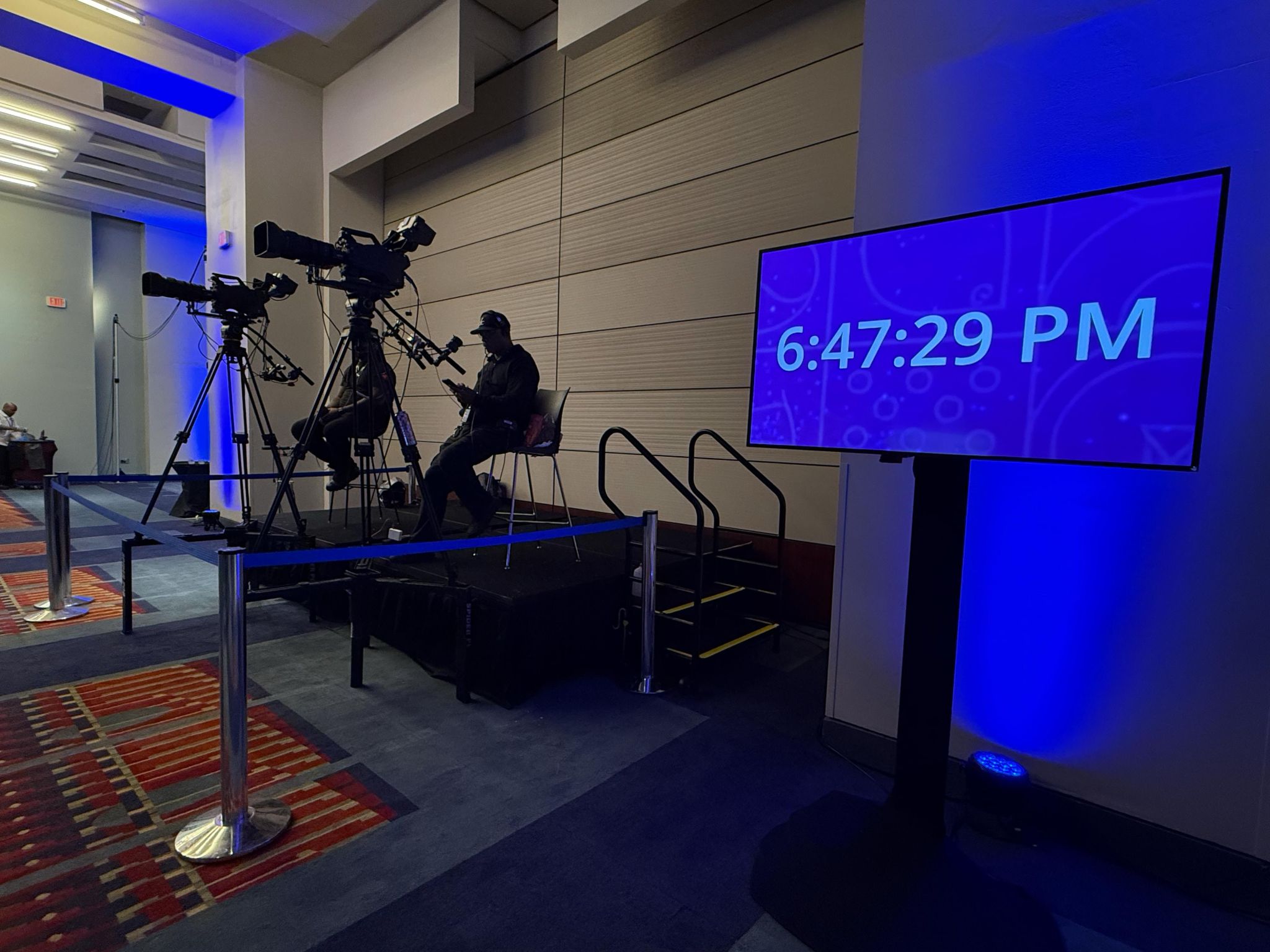
How Video Production Teams Use Stagetimer
From awards shows to live broadcasts to studio recordings, production teams around the world use Stagetimer to coordinate timing across their crew. Here's how some of them set it up.
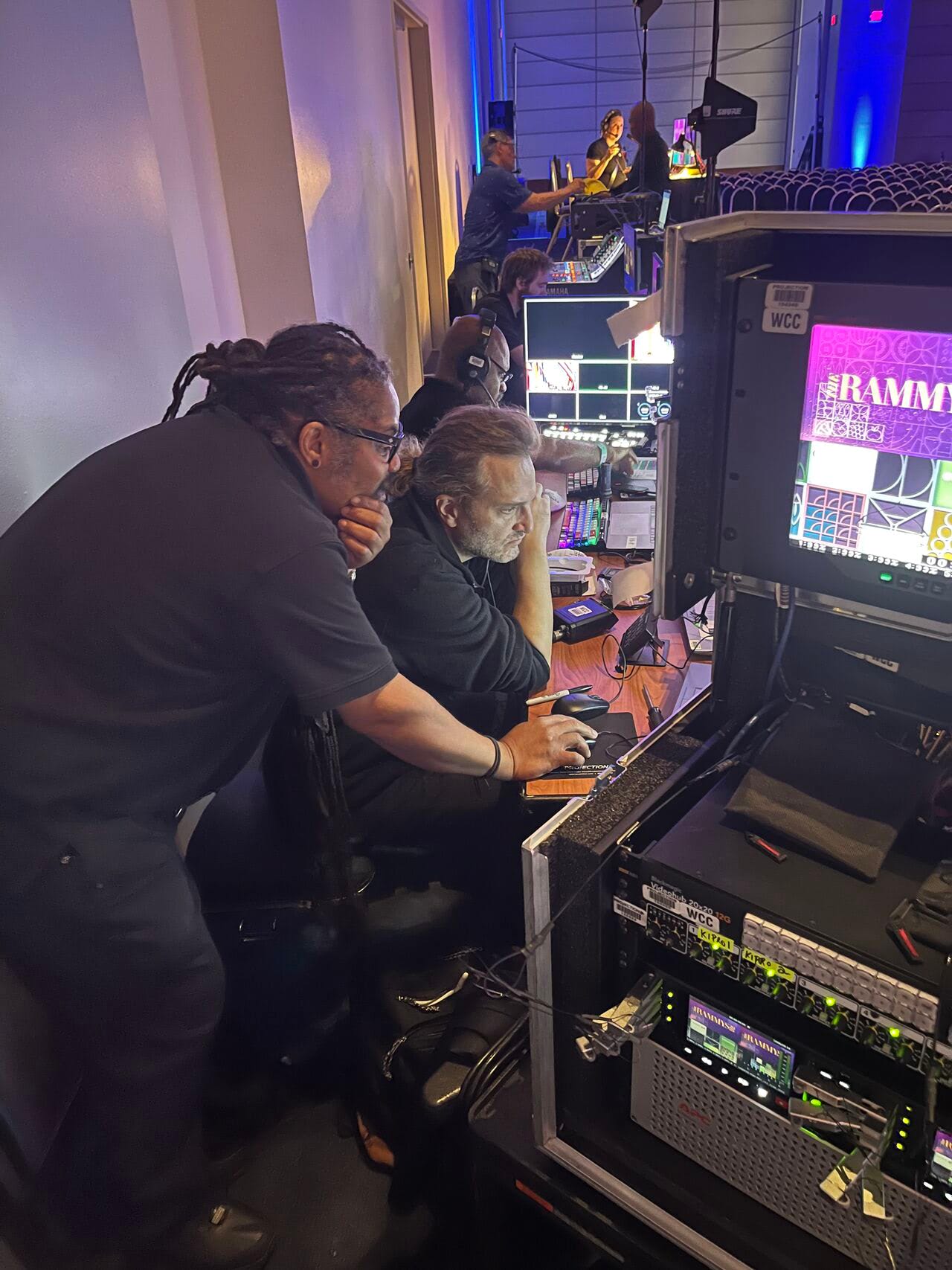
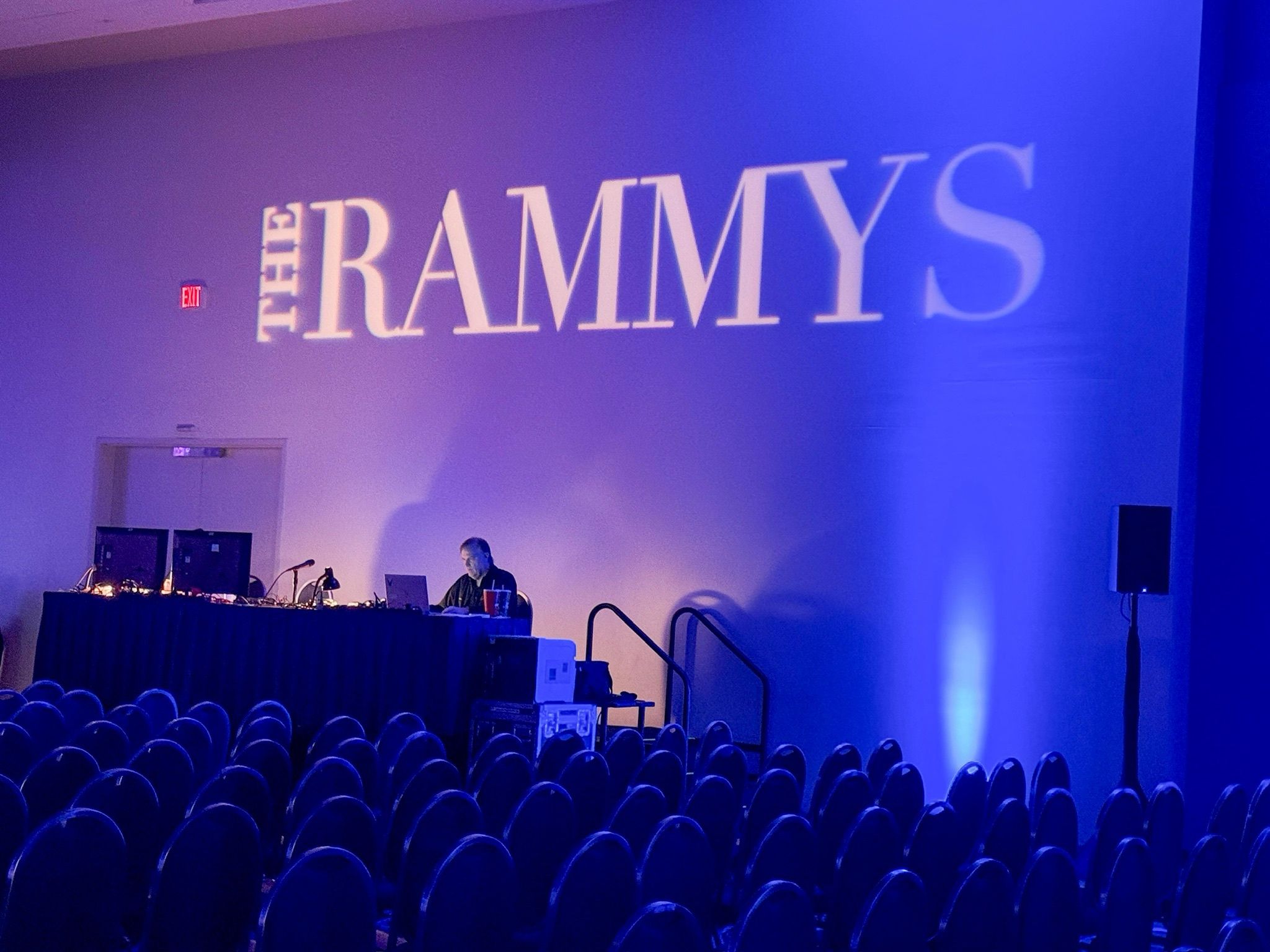
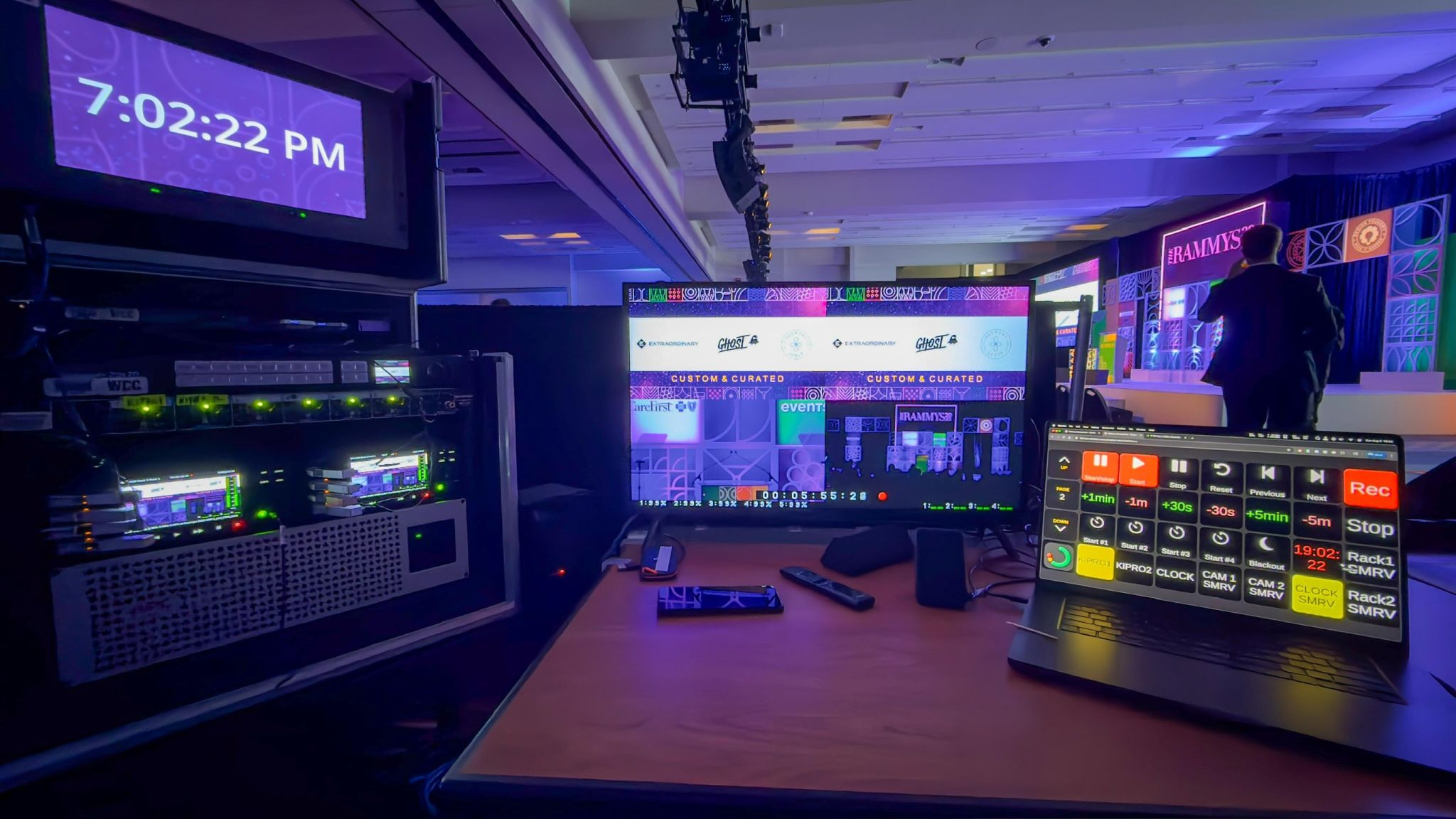
The Rammys 2025
“Helping my colleague Dustin Smith set up an Elgato Stream Deck 15 with a Bitfocus module for Stagetimer for seamless operation of the countdown clock for this past Rammys 2025 Awards [...] at the DC Convention Center, WCC.”
Bitfocus Companion is an open-source automation tool that connects hardware like the Elgato Stream Deck to professional production software. With the Stagetimer Companion module, your crew can start, pause, and skip timers with physical buttons — no laptop juggling mid-show.
Head of Production at Magek Filmworks
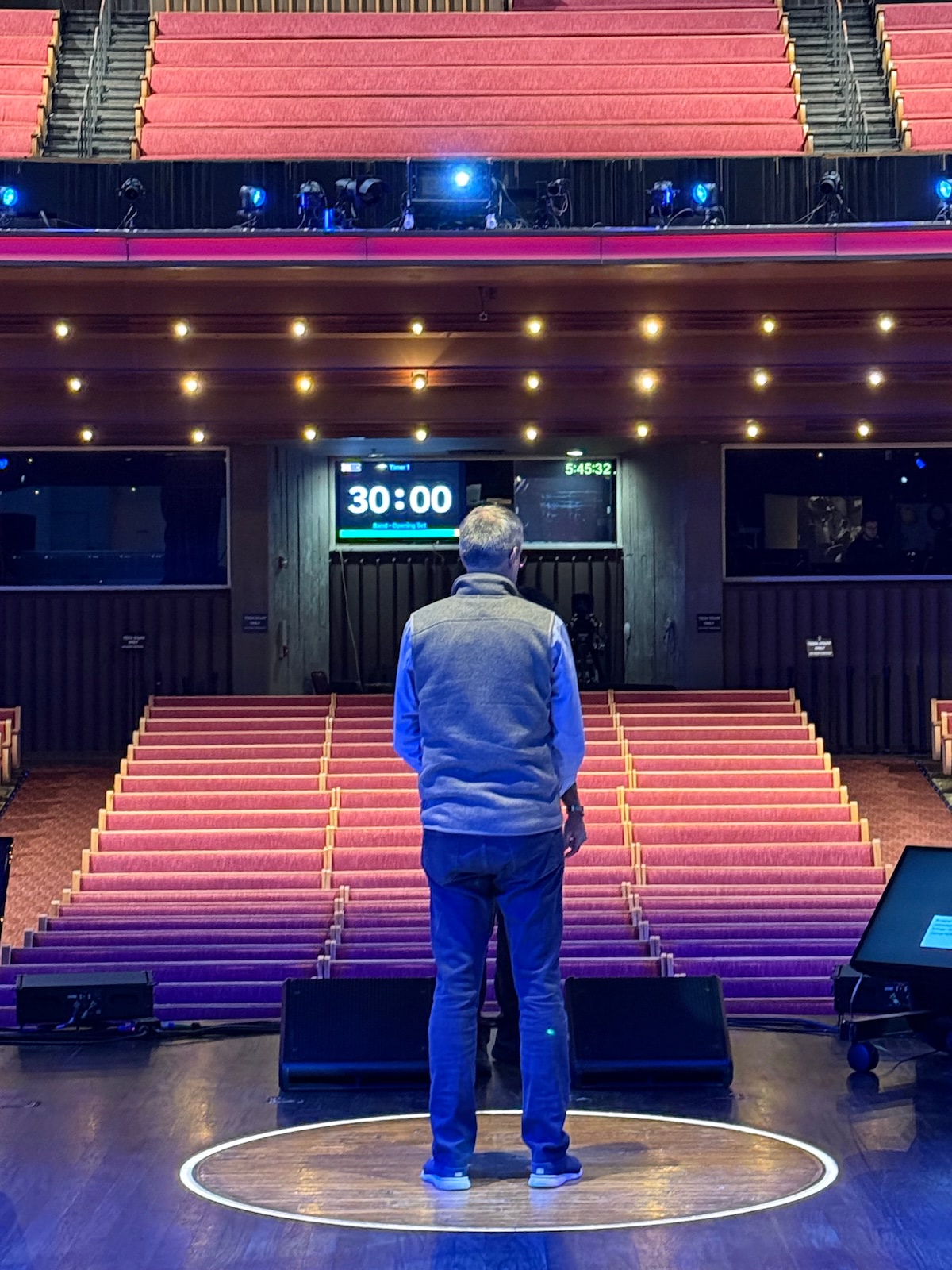
Stagetimer at the Grand Ole Opry · Photo: Cramer
Professional Studio Production
Production studios and event companies use Stagetimer as part of their permanent setups. Whether running week-long virtual events across time zones or managing live shows at iconic venues like the Grand Ole Opry, the timer becomes part of the standard toolkit.
- Concert venues and entertainment productions
- Virtual events running on international schedules
- Hybrid productions with remote and on-site teams
- Corporate broadcasts with strict timing requirements
Giants Live at the Royal Albert Hall · Video: Virtuopo
Live Event Broadcasting
Virtuopo uses Stagetimer for major venue productions. At Giants Live at the Royal Albert Hall, the production team added Stagetimer to their multiview setup for real-time segment timing.
- Visible on control room multiview alongside camera feeds
- Coordinates timing between director, technical director, and talent
- Fits into existing broadcast infrastructure without extra software
- Remote control from any device on the production network
Works With Your Production Tools
Stagetimer runs in any browser — add it to the tools you already use
vMix
Add Stagetimer as a browser input in vMix. Use it as an overlay, on a dedicated output, or on your multiview. Control the timer while managing your entire production from vMix.
vMix setup guide →OBS Studio
Import Stagetimer as a browser source with transparent background. Perfect for streaming productions where you need clean timer overlays on your video output.
OBS setup guide →Stream Deck + Companion
Control Stagetimer with physical buttons through Bitfocus Companion. Start, stop, and switch timers without touching a keyboard — essential for live production environments.
Stream Deck setup guide →ATEM Switchers
Display Stagetimer on auxiliary outputs from your ATEM switcher. Route the timer to confidence monitors, stage displays, or green room screens.
ATEM setup guide →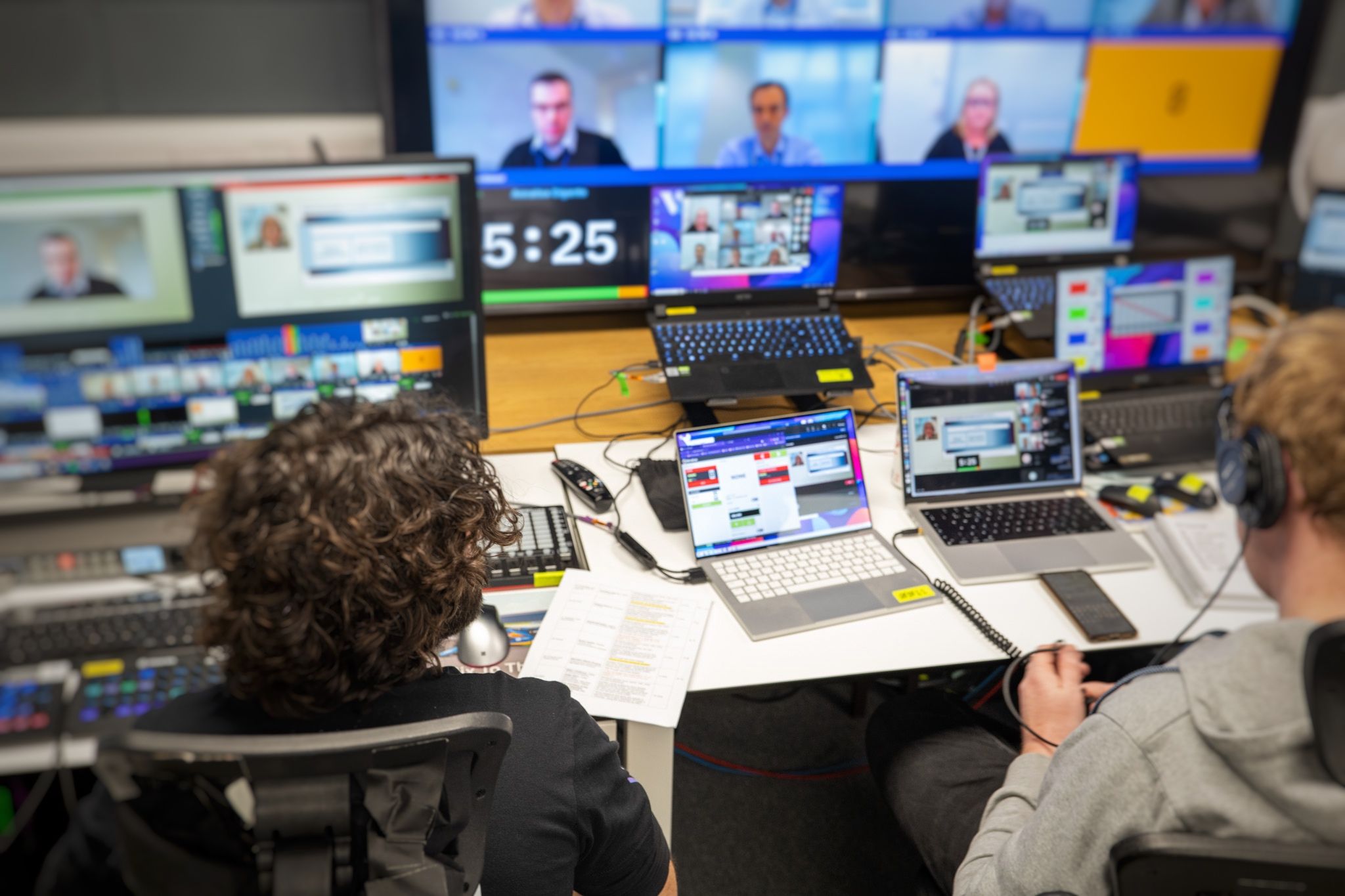
Production Room Setup
Stagetimer fits into professional production environments. Share timer displays across your control room, green room, and stage positions.
- Director's position: Timer on multiview or dedicated monitor
- Stage manager: Mobile control from tablet or phone
- Green room: Talent sees countdown on confidence monitor
- Stage displays: Large countdown visible from podium or set

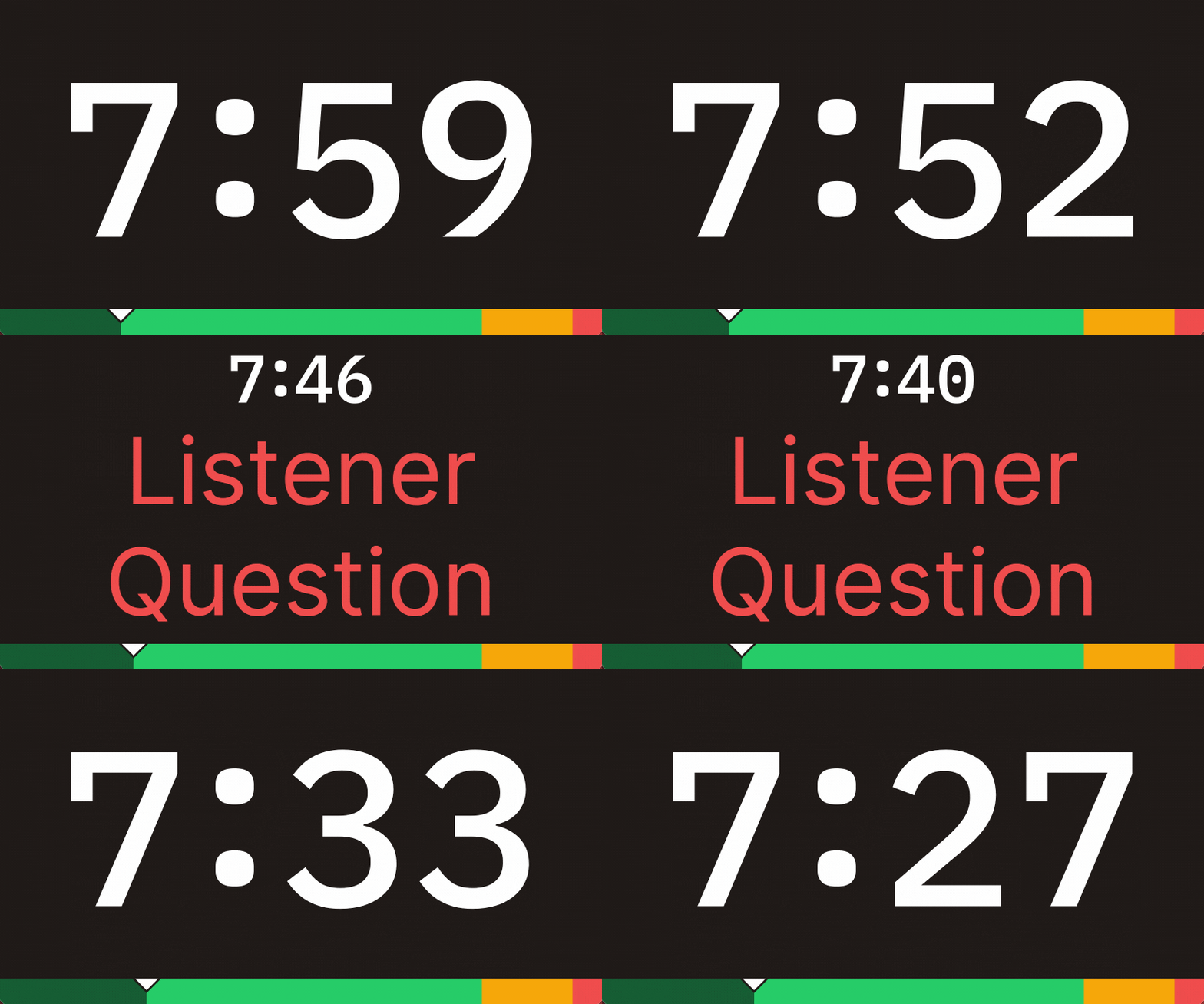
Live Messaging to Talent
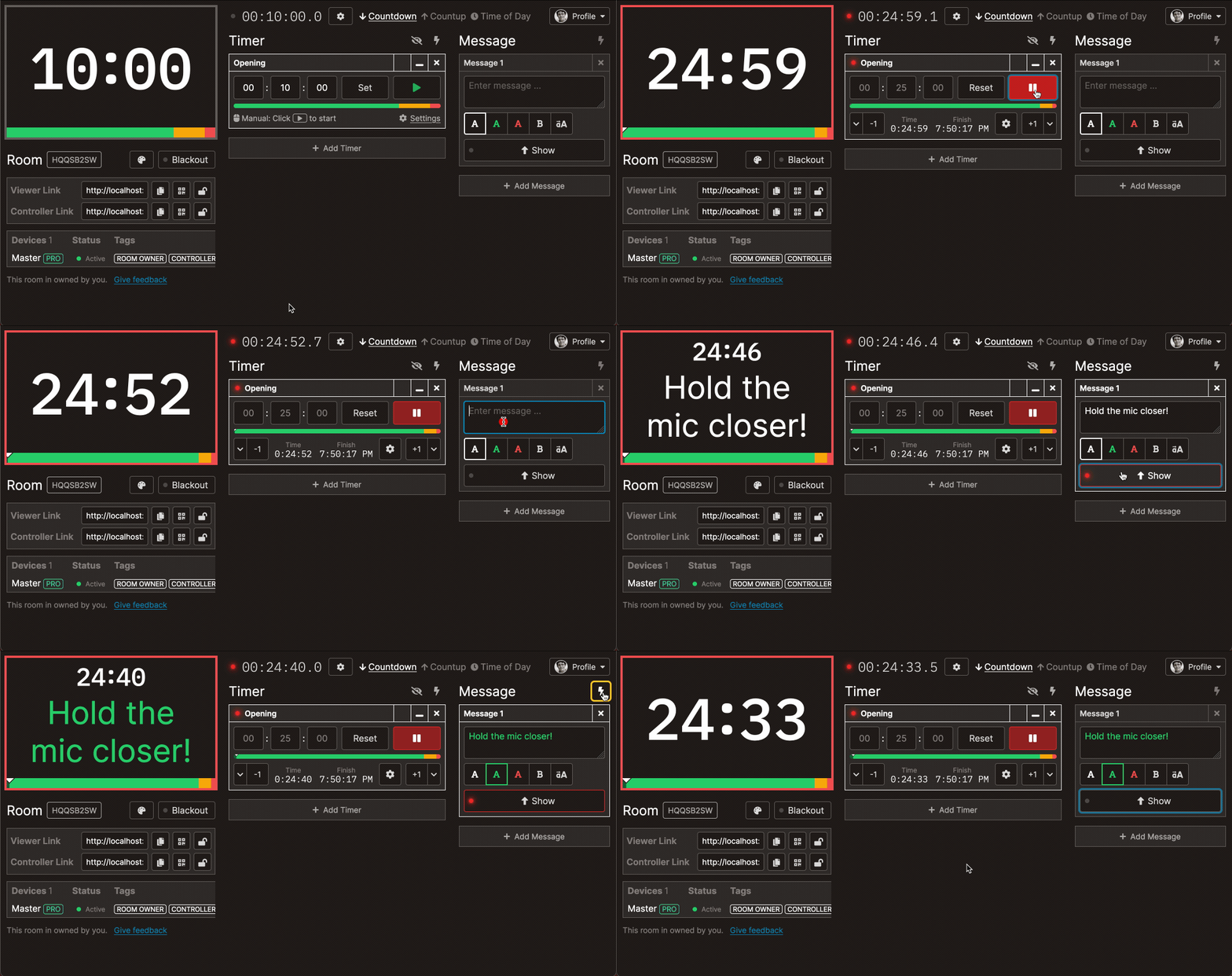
Send real-time messages to talent and crew without interrupting the show. Color-coded messages appear on timer displays for immediate visibility.
- "Wrap it up" — signal speakers to conclude
- "Go to break" — coordinate segment transitions
- Script changes — communicate last-minute updates
- Cue confirmations — acknowledge ready states
Automated Show Rundowns
Build your entire show rundown with linked timers that advance automatically. Focus on directing the show while Stagetimer handles the timing.
- Link timers to auto-advance through segments
- Schedule start times for time-locked segments
- Import from CSV to build rundowns from your existing tools
- Manual override when you need to go off-script
What Video Professionals Say

Adam Johns
Founder & Producer at Video Village Creative, Inc.

General Manager at Park Pixel AS

VP at NorthCoast Media Group

Founder & Creative Director at Southam Creative
Pricing
Stagetimer's speaker timer has some of the most affordable pricing. Enjoy all the essential timer-management functions for free.
Need our premium countdown timer for a one-time event? Pay a one-time flat fee and get full-time access for 10 days. Or, pay a small monthly subscription (save 20% annually) for ongoing access to our full-suite public speaking timers to create and manage your events and presentations.
Starter
Pro
Premium
Common Questions from Production Teams
How do I add Stagetimer to my vMix production?
Add Stagetimer as a browser input in vMix. Copy the viewer link from your Stagetimer room and paste it as the URL. You can use the transparent background output for overlays or the standard view on a dedicated output.
See our complete vMix setup guide for step-by-step instructions.
How do I display the timer on stage monitors?
Share the viewer link to any device connected to your stage displays — a laptop, media player, or even a Raspberry Pi. You can also route Stagetimer through your video switcher to confidence monitors and other outputs.
Learn about display options and using Stagetimer with ATEM.
Does it work without internet during a show?
Yes. The desktop app runs completely offline once installed. Create your timers, disconnect from the internet, and the timer continues to work on your local network. Essential for venues with restricted or unreliable internet.
Download the desktop app for offline production.
Can I send messages to talent during the show?
Yes. Type messages in the controller and they appear on all timer displays instantly. Use color-coding for different message types — red for urgent, green for confirmations, etc.
Learn about live messaging.
Can I control the timer from a Stream Deck?
Yes. Stagetimer works with Bitfocus Companion, which connects to Stream Deck. You can assign buttons for start, stop, next timer, and specific timer jumps. This is how many production teams control timers during live shows.
See our Stream Deck setup guide.
Can multiple people control the timer?
Yes. Share the controller link with your team — stage manager, director, or technical director can all control the timer from their positions. You can also set up view-only links for displays that shouldn't have control access.
See sharing options for details.
How do I build a show rundown with multiple segments?
Create a timer for each segment in your rundown. Link them together to auto-advance, or control them manually. You can import timers from a CSV file if you already have your rundown in a spreadsheet.
See timer management and CSV import.
Is it reliable enough for live production?
Stagetimer is used by production teams at major events including awards shows, esports tournaments, and corporate broadcasts. The web app runs in your browser with no installation, and the desktop app provides offline reliability for mission-critical shows.