
Free Online Timer for Meetings
No more awkward glances at the clock to see whose turn it is to speak. Subscribe for a full-suit meeting timer or simply pay for a single event. You can even run smaller meetings for free! Download the app or use the full version in in the cloud.
No credit card or signup required

What customers love about Stagetimer

Adam Johns
Founder & Producer at Video Village Creative, Inc.

Alec Creighton
Owner/General Manager at Northeast Colorado Broadcasting

General Manager at Park Pixel AS

Founder & Creative Director at Southam Creative
Simple to use & easy to share
Stagetimer is a remote-controlled countdown timer that allows you to set, start, pause, and reset a timer from any device with a web browser. It is available as a web application, as well as standalone versions for Windows and Mac. It include the ability to share the timer via unique links, display customizable messages on the timer, and control the timer remotely. It is perfect for events, meetings, and presentations, and is simple and easy to use.
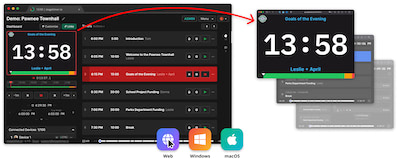

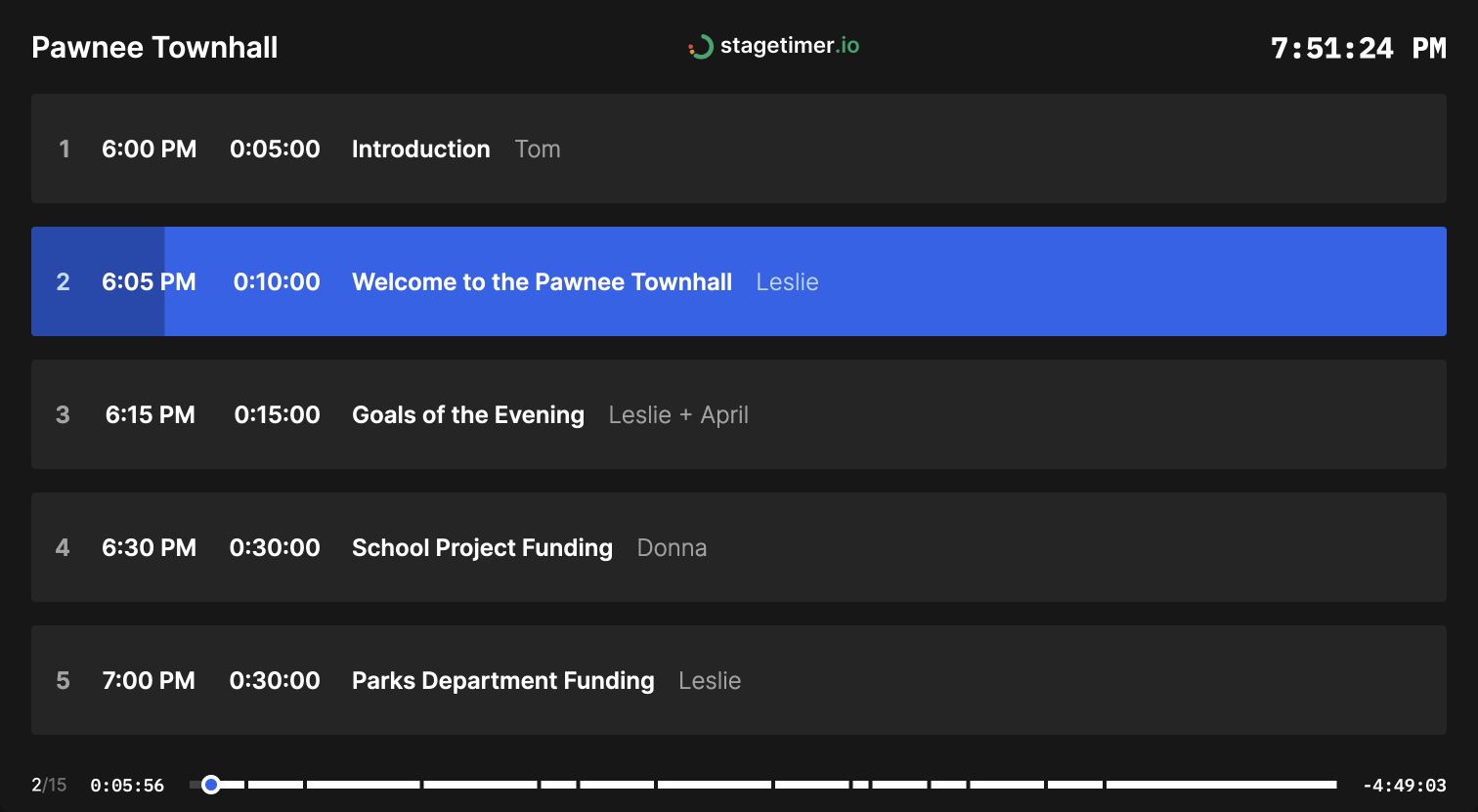
Keep Your Meetings Right on Schedule
An easy-to-use timer with no distractions or ads. Utilize the simplistic display to clearly show which member’s turn it is to speak. No more confusion or time scheduling errors. With the detailed scheduling features, each member’s report or speech can transition to the next one seamlessly.
- No ads
- Quick timer setup
- Reliable cues and timers
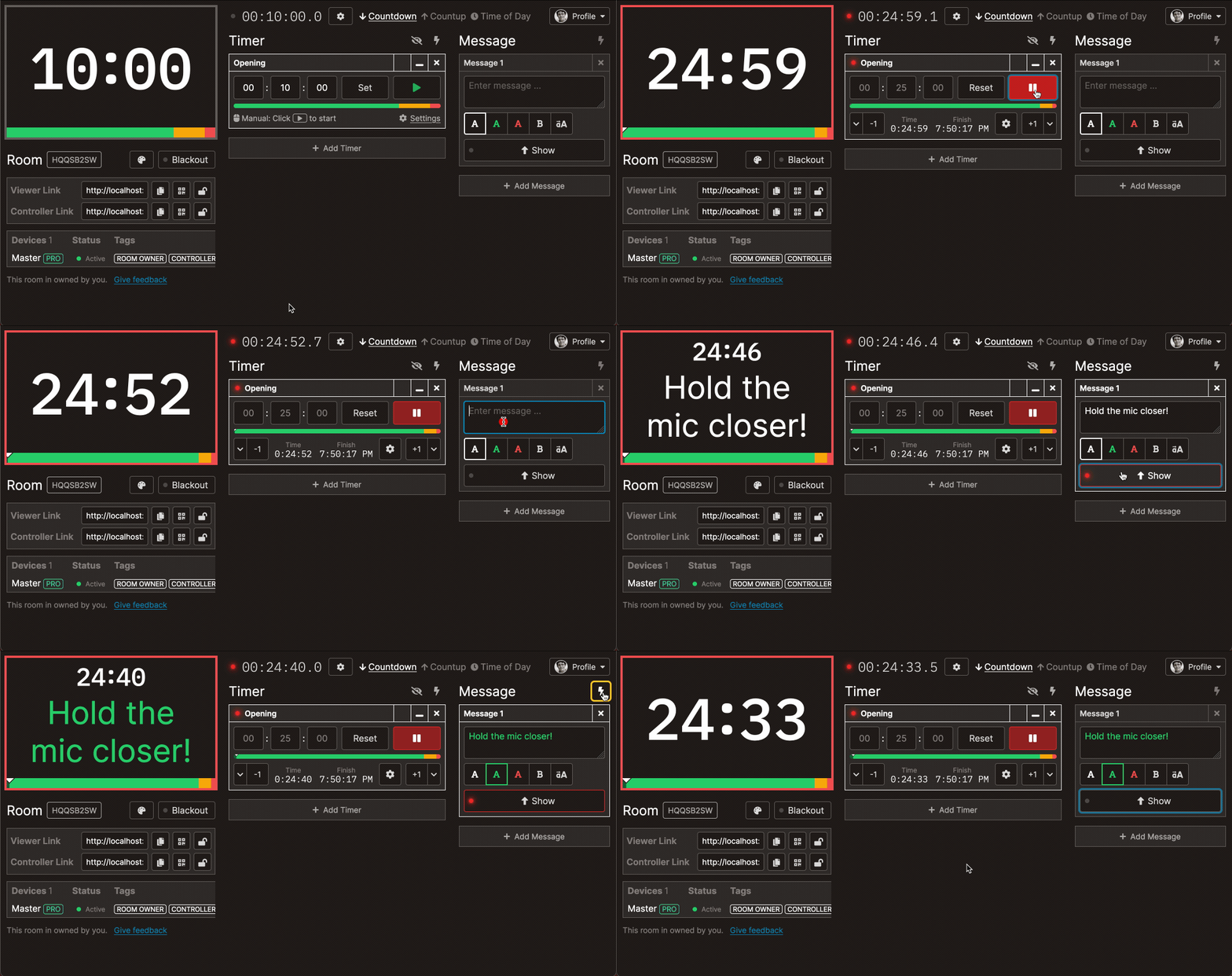
Runs Entirely in the Browser
To make Stagetimer more accessible, we have designed it to run entirely in the browser. There are no lengthy downloads the meeting attendants have to deal with. It works on all devices, including Macs, iPhones, Androids, and PCs. So compatibility will never be an issue. The easy-to-use interface means that anyone can set up a detailed meeting schedule in minutes.
- Clear numeric clock with a large font
- Instant messaging features
- No downloads necessary
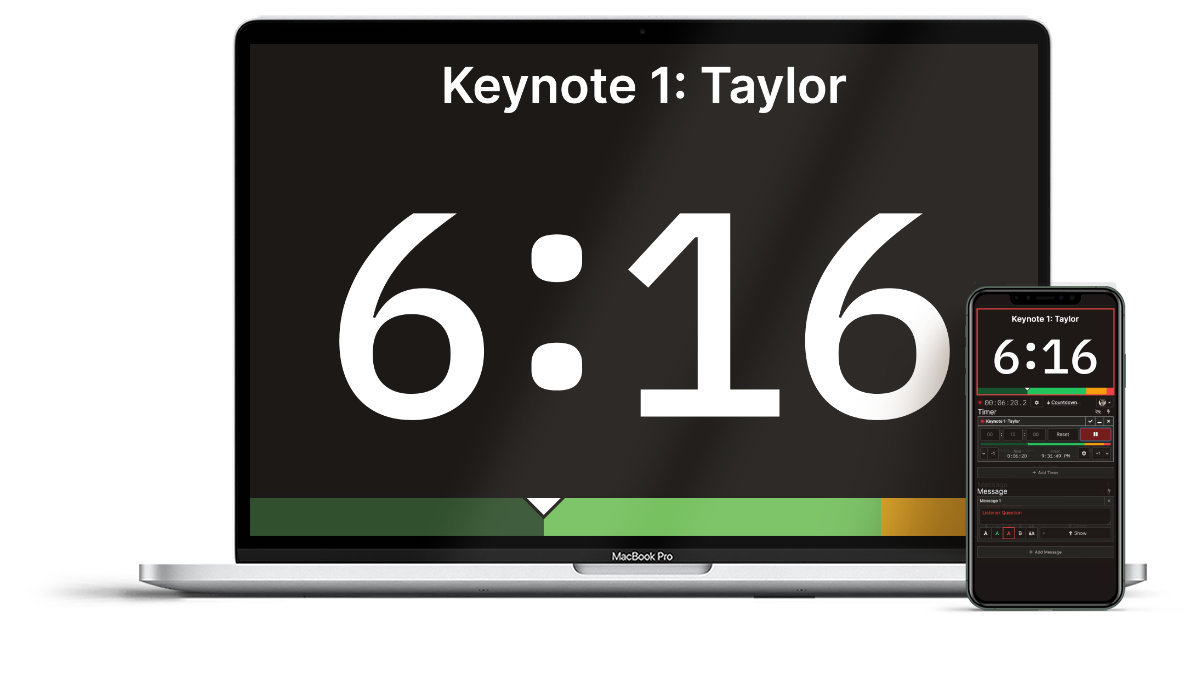
Use Shareable Links to Deliver Timers to the Members
Keep every attendant up to date on the full schedule of the meeting by sharing quick links. You can also assign moderating powers to other members if multiple people need to manage the timer. This way, the whole team can stay on the same page and set up a successful meeting.
- Assignable moderating powers
- Runs on multiple devices
- QR sharing capability
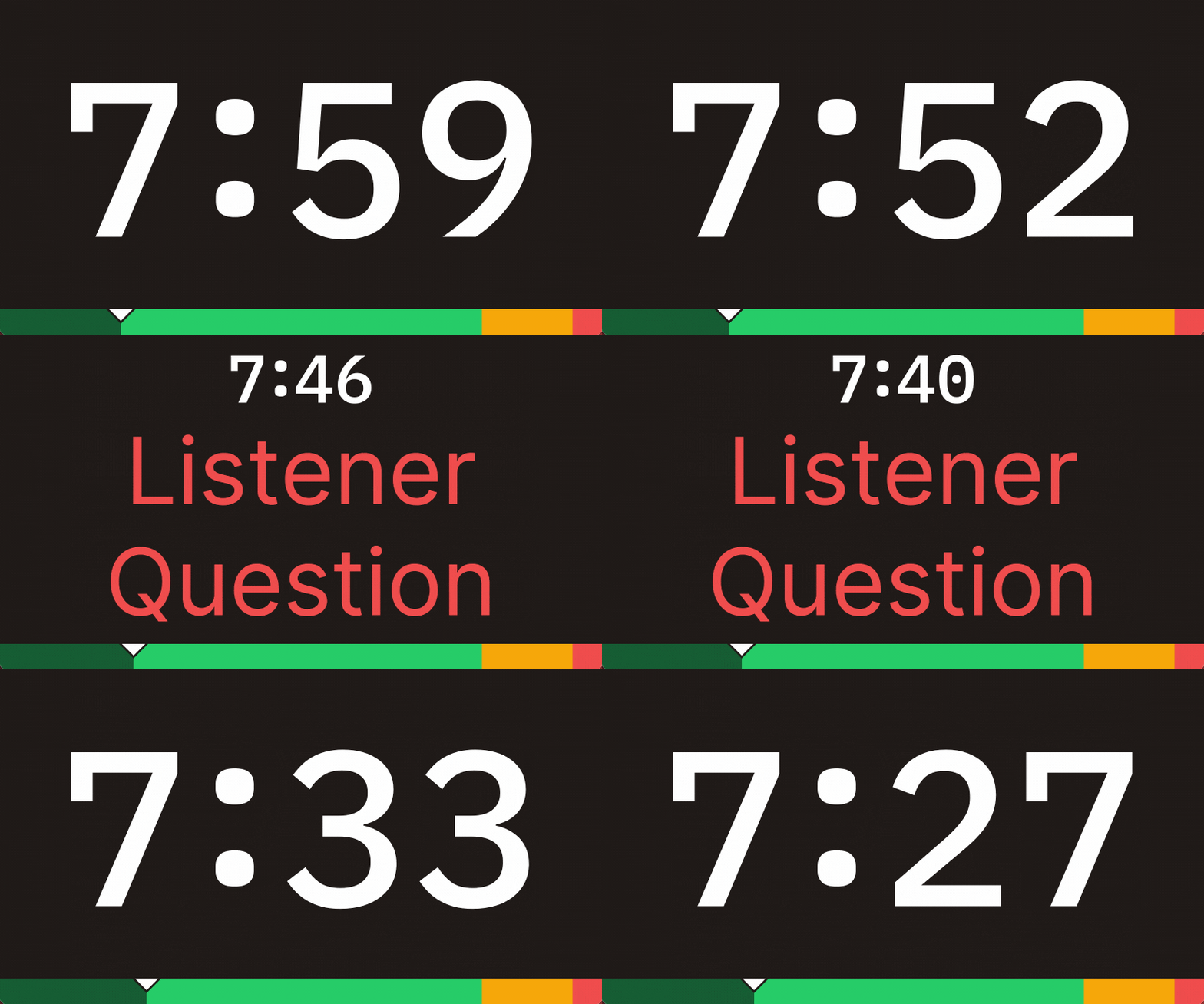
Broadcast Color-Coded Announcements
Need to deliver an important message to the attendants? Broadcast a quick announcement to their screen with just a few clicks. The live message feature can be used to deliver updates about the meeting agenda or give out quick reminders to bring up a subject. Each announcement can be color coded to improve coordination.
- Live message delivery
- Customizable text formats
- Color-coded messages
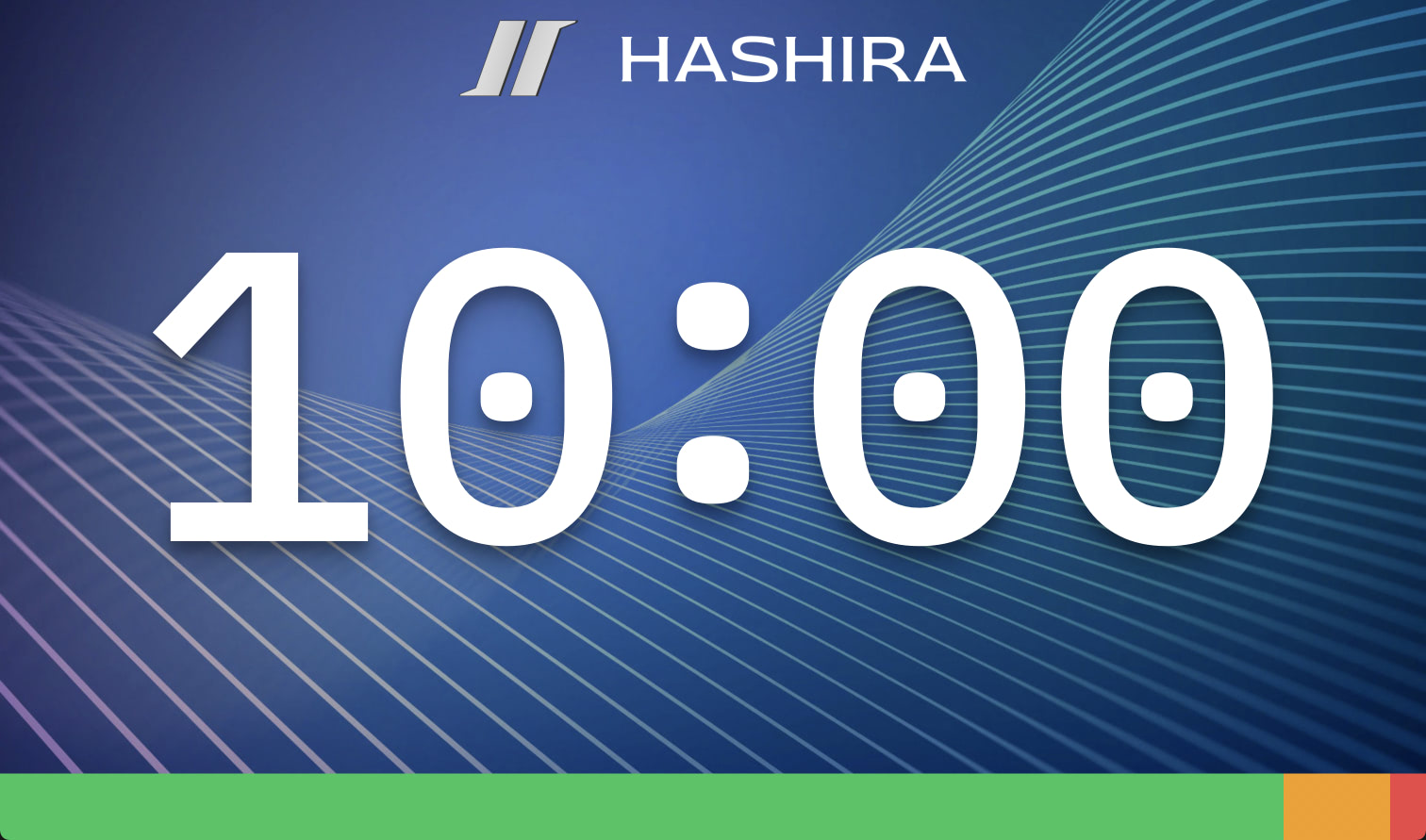
Personalize Your Meeting Timer
Stagetimer allows you to fully customize how your timer looks. You can use your brand’s color scheme, logo, and background. This way, you can make your meeting timer look more professional. The font size, font style, and timer display can also be changed to your liking.
- Gives your brand the spotlight
- Full control over the color scheme
- Allows for a more professional look
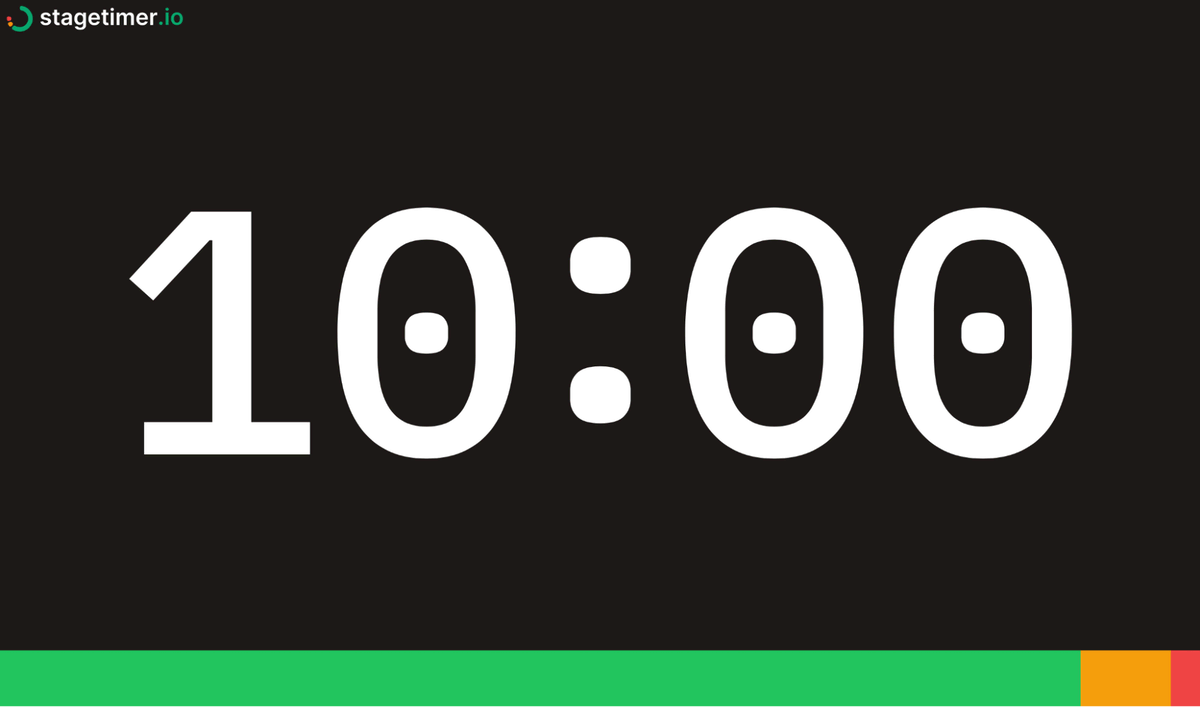
Color-Coded Progress Bar for Time Tracking
All the meeting members and organizers can easily track the meeting’s progress thanks to the progress bar at the bottom. Each timer segment for a member’s report or speech can be color-coded. A ticker moves across the timer bar to help speakers pace themselves.
- Ticker to help speakers pace themselves
- Each timer segment is color-coded
- Progress bar for all members
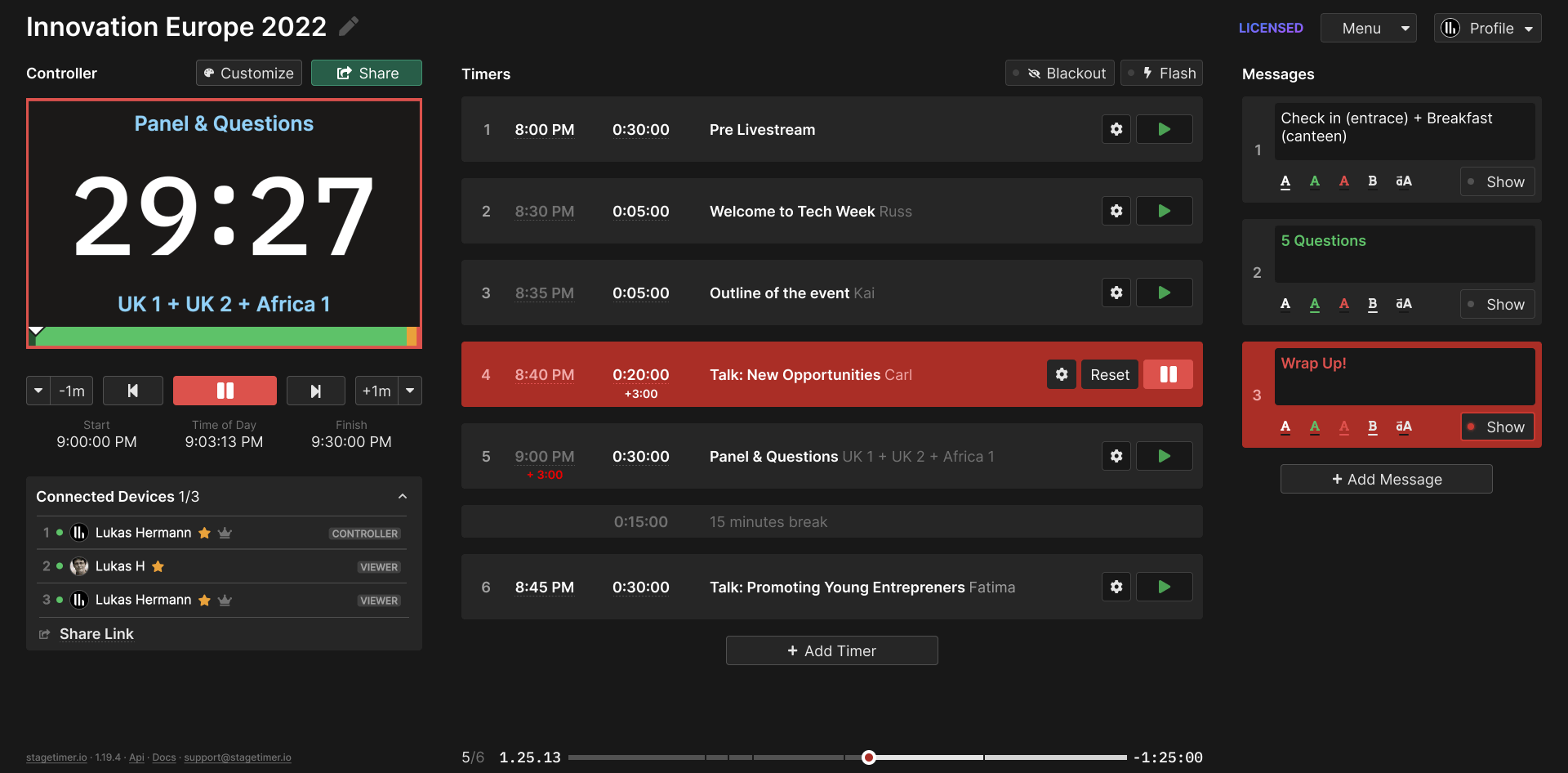
Time-Sync Feature for International Use
Stagetimer boasts time sync capability. So all the members attending the meeting can get the correct time no matter which time zone they are in. This helps prevent confusion during the scheduling and makes the planning process much easier. Stagetimer can also be used both on-site and virtually, making it even more accessible.
- Easier integration of foreign meeting attendants
- Time sync capabilities across time zones
- Works on-site and virtually
Pricing
Founder & Creative Director at Southam Creative
Stagetimer's speaker timer has some of the most affordable pricing. Enjoy all the essential timer-management functions for free.
Need our premium countdown timer for a one-time event? Pay a one-time flat fee and get full-time access for 10 days. Or, pay a small monthly subscription (save 20% annually) for ongoing access to our full-suite public speaking timers to create and manage your events and presentations.
Starter
Pro
Premium
Frequently asked questions
Can I program or schedule the meeting timer?
Yes.
You can program Stagetimer by scheduling multiple timers or linking them together so that one starts right when the other one ends. This feature is available on the web version, as well as the Windows and Mac versions. You can also start a timer at a specific time and date by clicking the gear icon on the individual timer, selecting the "Scheduled" trigger, and choosing a time and date. If the time has already passed, the date will be automatically set for the next day. This automation tool is useful for creating a series of timed events or presentations.
Can attendees send questions to the presenter?
Yes.
Simply share the link or QR code available on the controller page (right under the message column) and your audience will be able to send questions that will automatically turn into messages. You can then edit and reorganize the order of the messages and show them one at a time to speakers.
Can I use Stagetimer for free?
Yes.
You can use Stagetimer for free. The free version of Stagetimer allows you to use all of the basic features, including creating and running timers, scheduling timers, and linking timers together. However, the free version does not include access to the Pro and Premium features, such as additional customization options, importing and exporting timer data, and real-time control of timers from more than three devices at the same time.
What payment options are available?
We offer two ways to access paid features: a 30-day license with no automatic renewal (your account reverts to the free version when it expires) and a yearly subscription that renews automatically but can be canceled anytime. We do not currently offer a monthly subscription. Self-checkout payments can be made via credit card or PayPal, with a receipt generated automatically. For enterprise deals, payment via invoice is also available.
How do I contact support?
You can reach us at support@stagetimer.io for any technical questions or support inquiries.
Can I use Stagetimer with any device?
Yes.
You can use Stagetimer with any device that has an up-to-date web browser. This includes desktop computers, laptops, tablets, and smartphones. Stagetimer is a web-based application, so you do not need to download or install any software to use it. Simply visit the Stagetimer website in your web browser and you will be able to use all of the features of the web version. You can also use Stagetimer offline on a Mac or Windows computer by downloading the desktop app.
Can I share the event agenda with others?
Yes.
Every room comes ready with a shareable agenda link for your attendees to access anytime. You can also send collaborative links to team members and delegate administrative tasks during events.
Is Stagetimer available in languages other than English?
The Stagetimer interface is currently only available in English. Support is also provided in English only. However, the product is used by teams worldwide and the interface is designed to be intuitive regardless of language background.
What is the difference between Rooms and Live Connections?
A Room is where you create and manage a list of timers for your event. Live Connections are the number of devices connected to a room at the same time. On both Pro and Premium plans, you can create unlimited rooms. Pro allows up to 5 live connections per room, while Premium allows up to 50.