
Cloud-based Conference and Speaker Timer
Keep your conference on schedule with a speaker timer that runs in the browser. Share it to any screen, control it from your phone, and let speakers see exactly how much time they have left.
No credit card or signup required
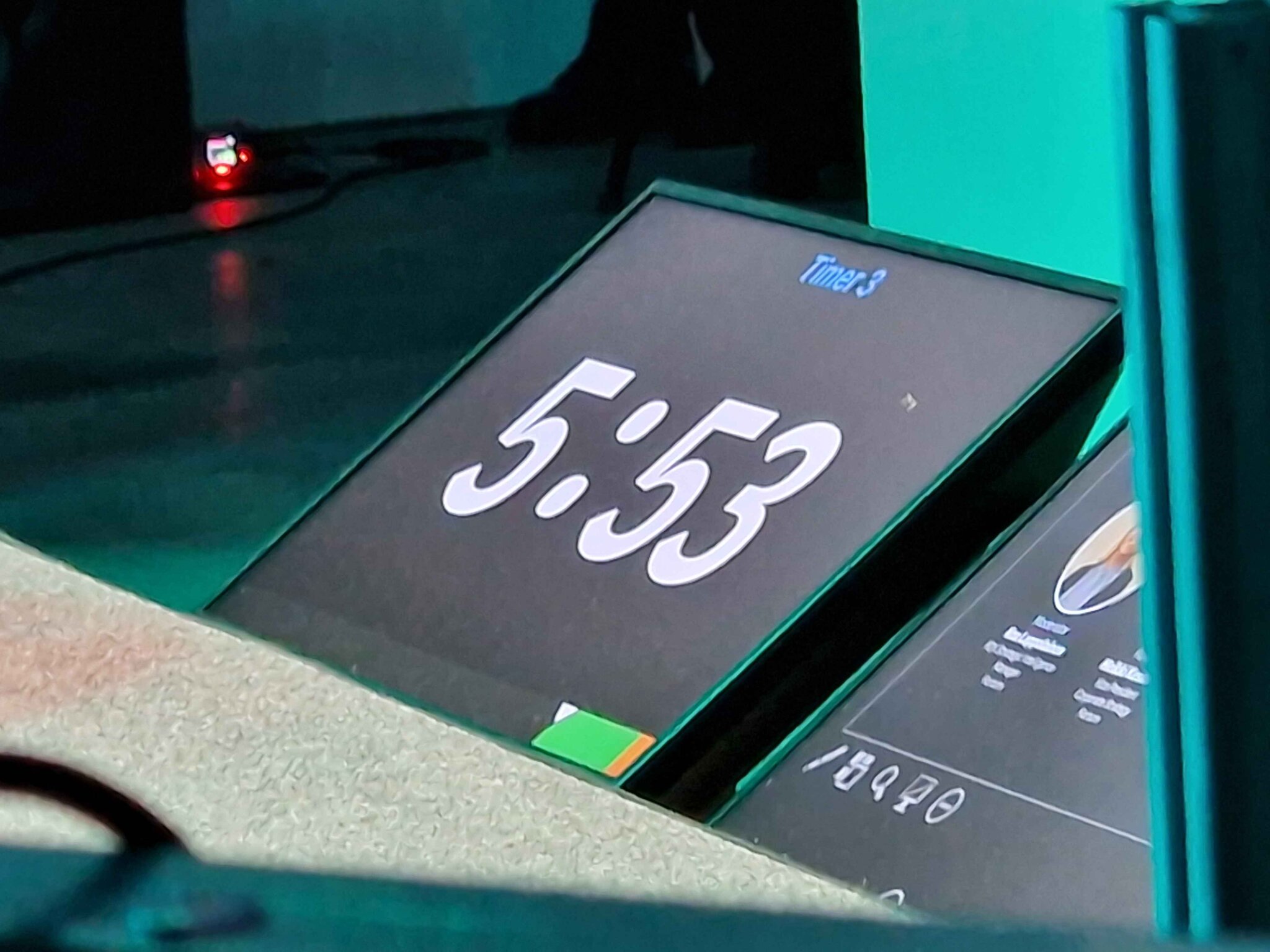
How Conference Organizers Use Stagetimer
From tech summits to pitch nights to political interviews, event teams around the world use Stagetimer to keep their speakers on time. Here are some of them.
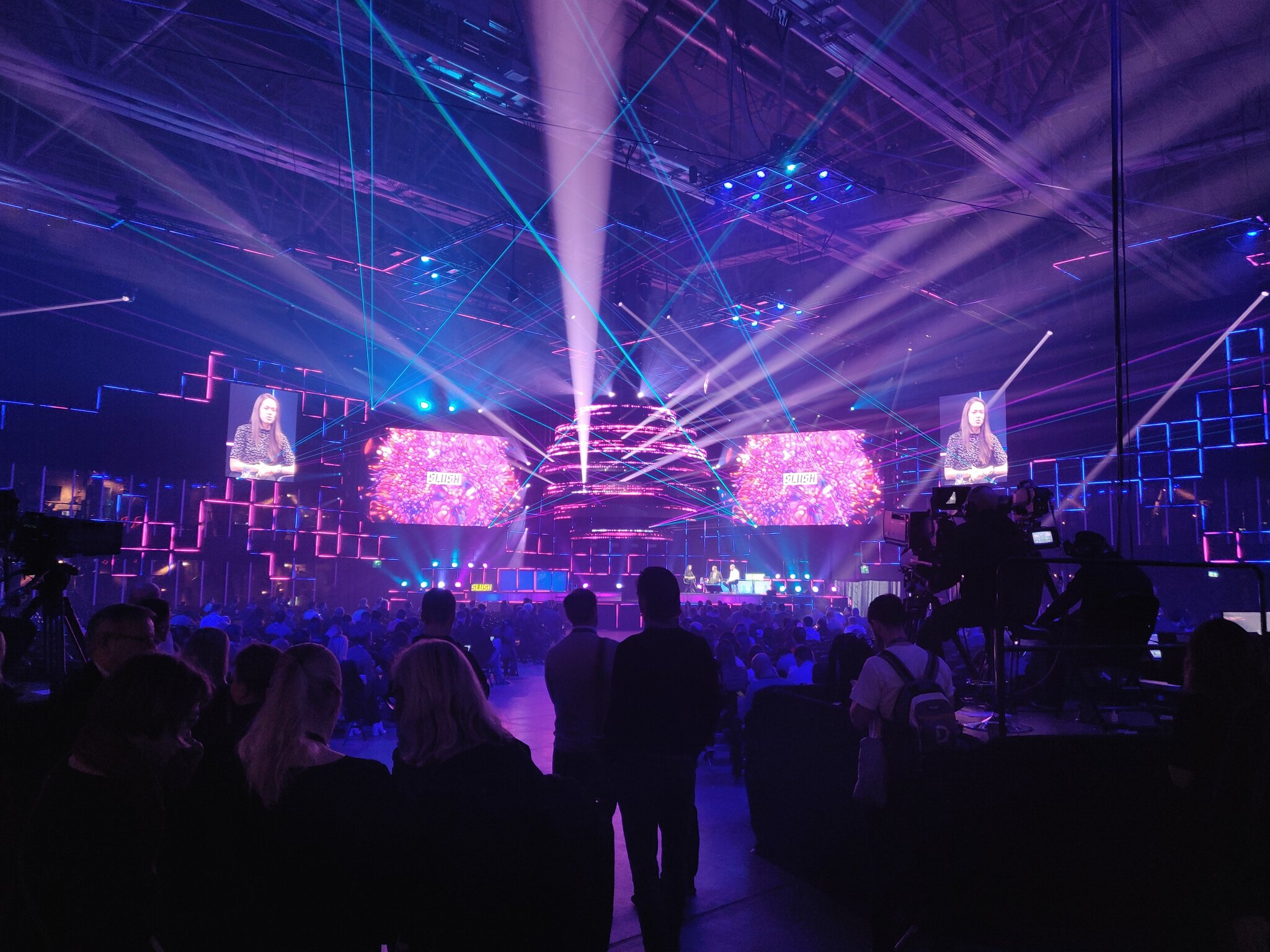
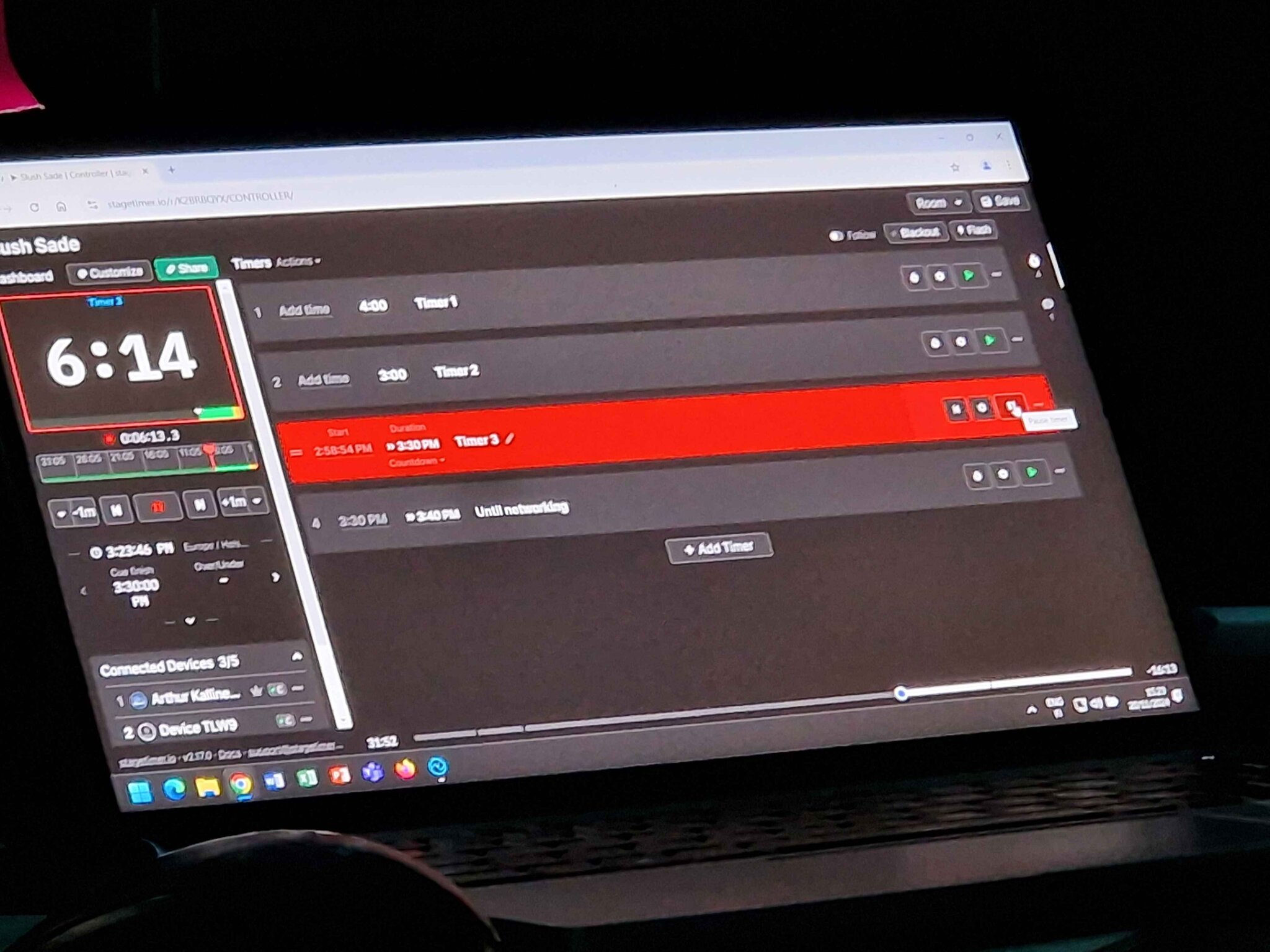
Slush 2024
Slush is one of the biggest startup events in the world, bringing thousands of founders and investors to Helsinki every year. The production team at the "Sade" stage used Stagetimer to manage speaker slots, with the controller running alongside their cue sheet and a countdown display on the podium for speakers to see.
With multiple stages running simultaneously, each stage manager ran their own Stagetimer room — no shared infrastructure needed, just a browser and an internet connection.
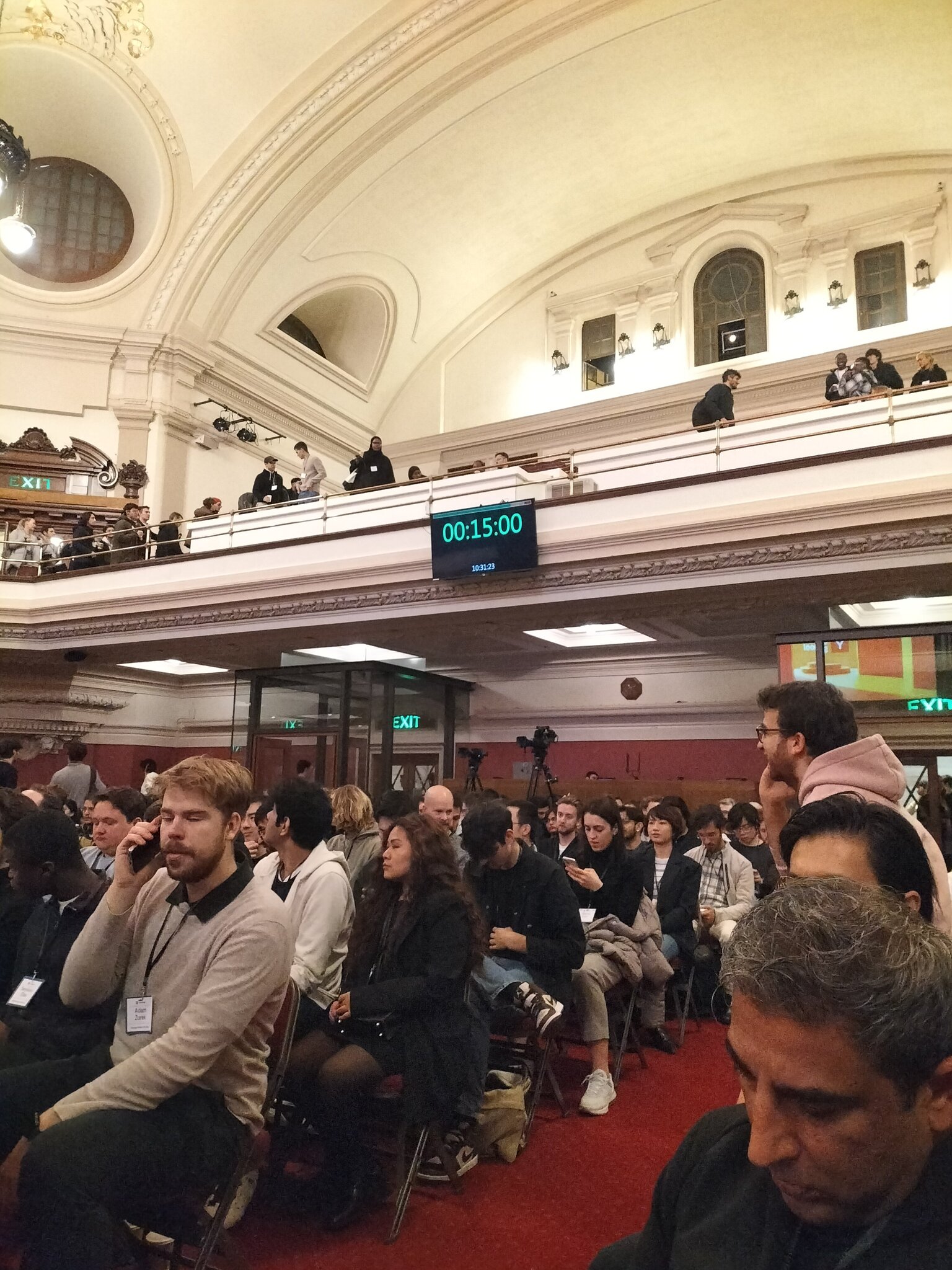
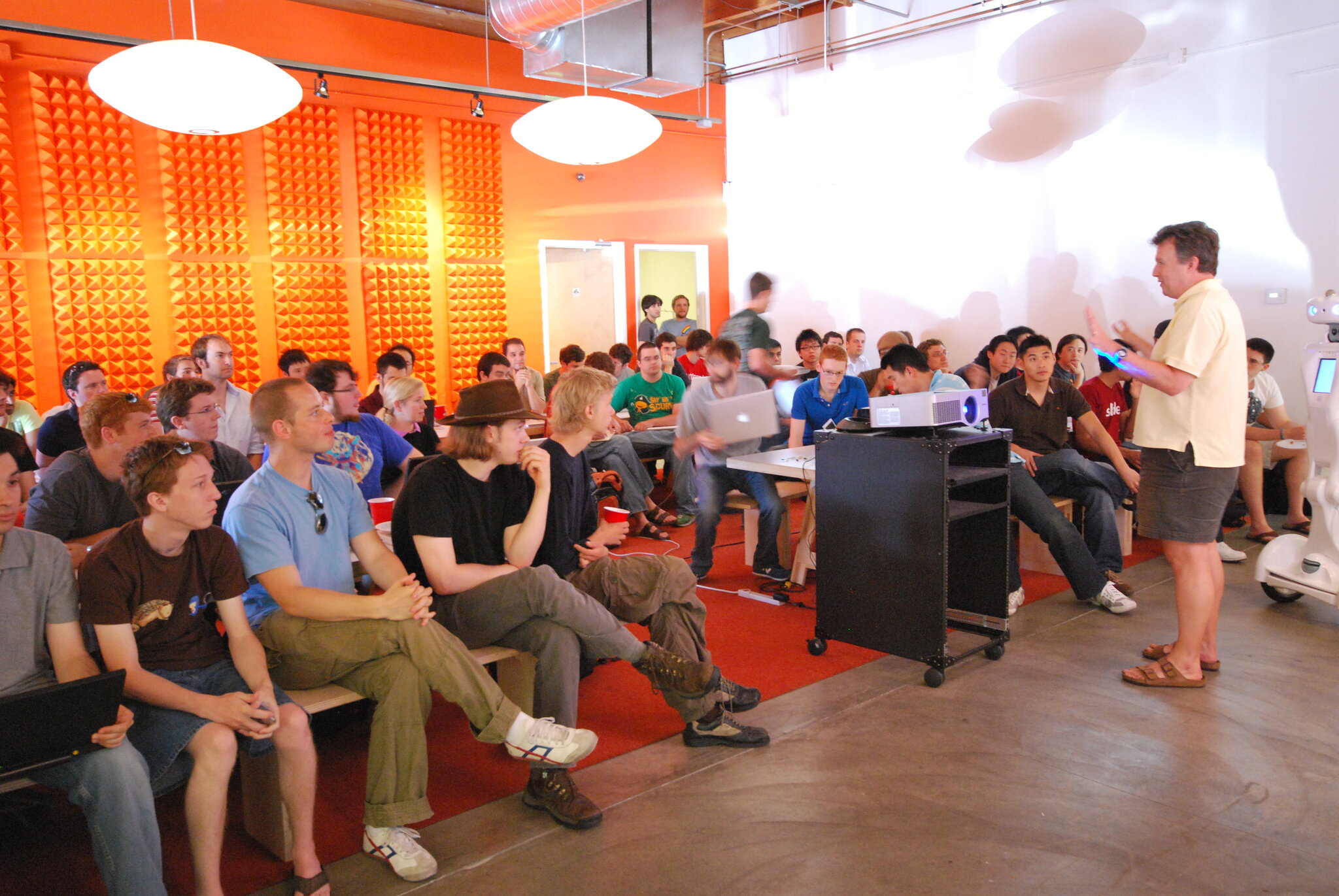
YC Startup School London
Y Combinator's Startup School set up a Stagetimer display on the balcony railing of the venue — visible to speakers on stage and to the audience during breaks. A monitor showing the countdown and the current time of day, no special hardware required.
This kind of setup takes minutes: connect any screen to a laptop, open the viewer link, and go full-screen. The timer syncs automatically and can be controlled from anywhere in the building.
Munich Security Conference
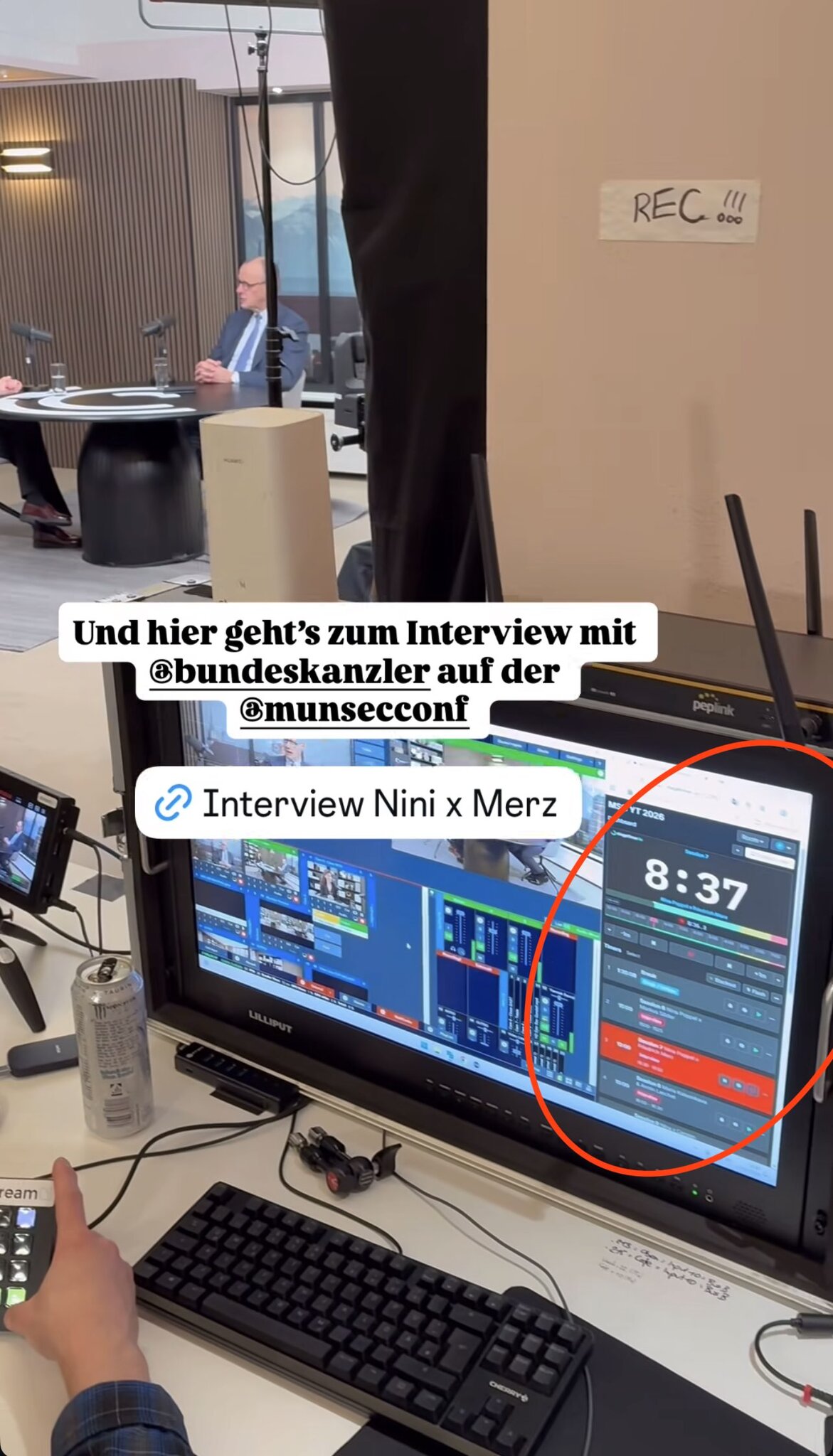
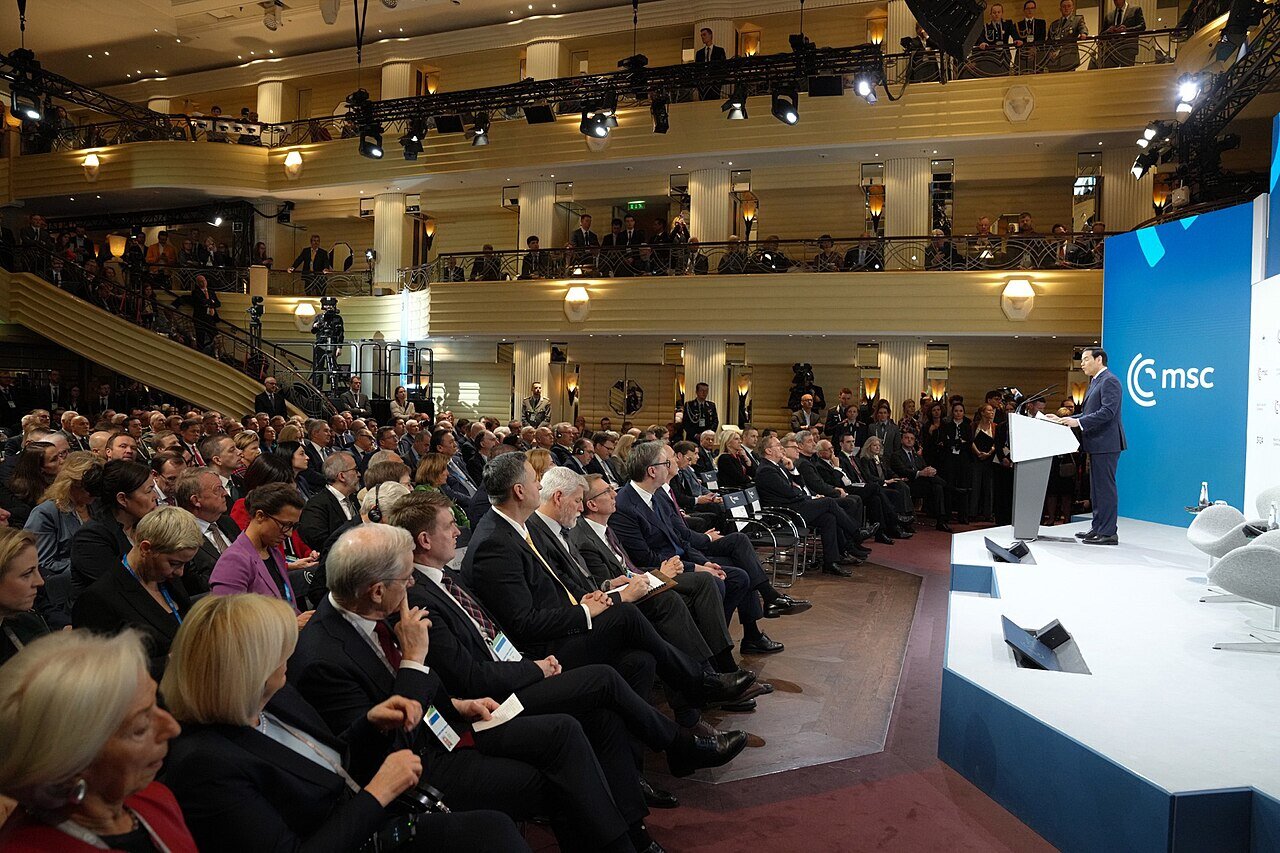
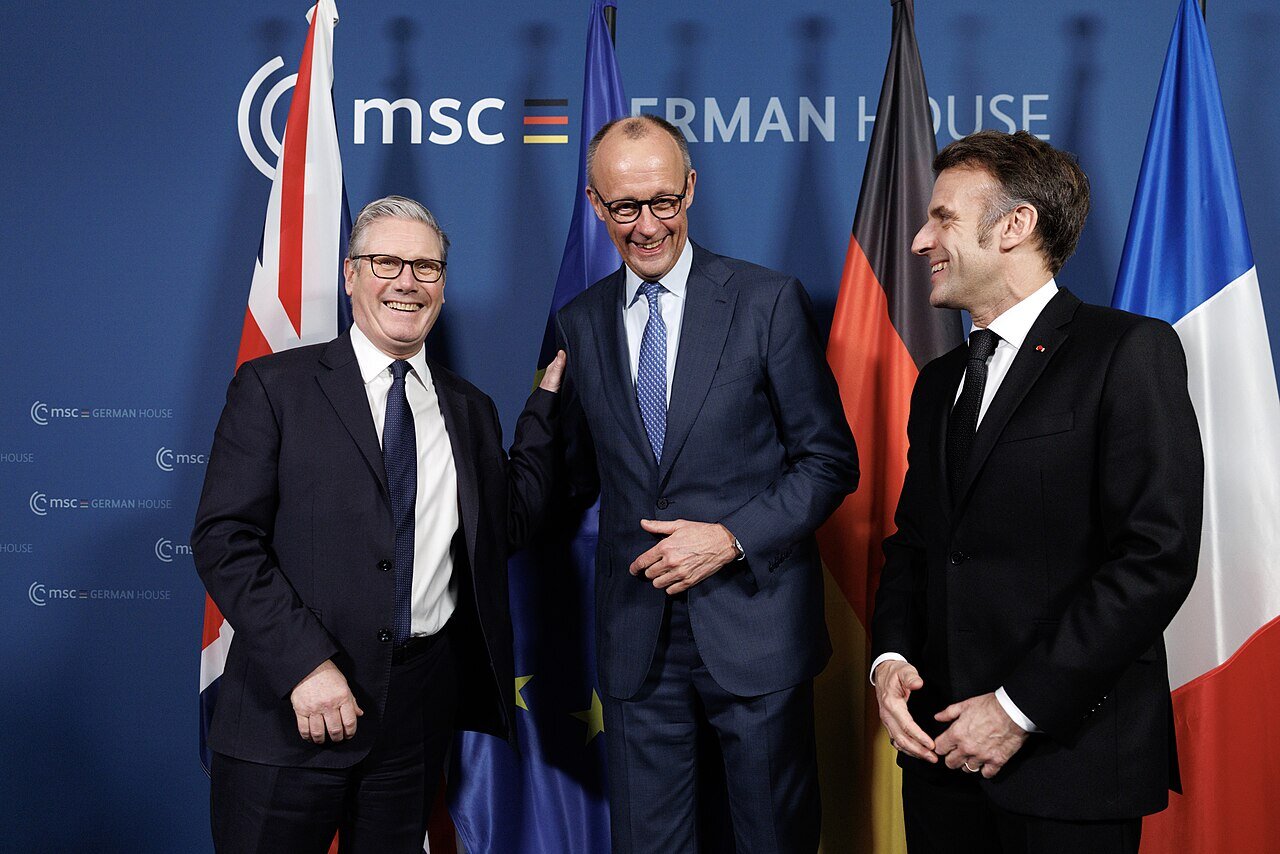
At the Munich Security Conference — one of the world's most important forums for international security policy — a production team used Stagetimer to time an interview with the German Chancellor. The timer ran alongside their broadcast monitoring setup, visible at a glance while managing camera feeds and recording.
When every minute of a head-of-state interview is planned in advance, having a clear countdown on screen keeps the entire crew aligned.
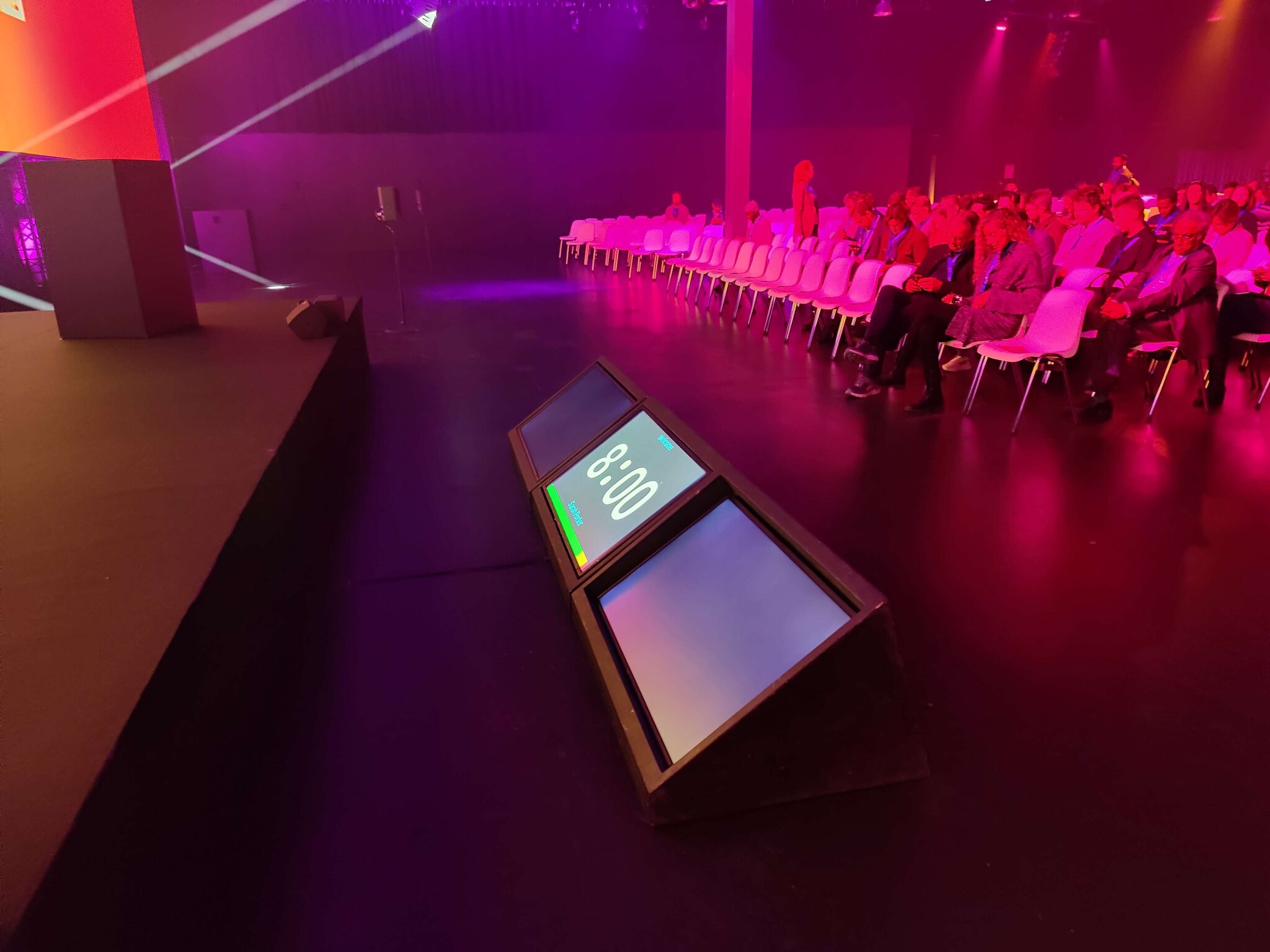
World Summit AI 2022, Amsterdam
World Summit AI
At World Summit AI in Amsterdam, Stagetimer ran on a confidence monitor placed at the front of the stage — visible to speakers but out of the audience's line of sight.
A wedge-shaped monitor on the stage floor is one of the most common setups for conferences. Speakers glance down to check their remaining time without turning away from the audience.
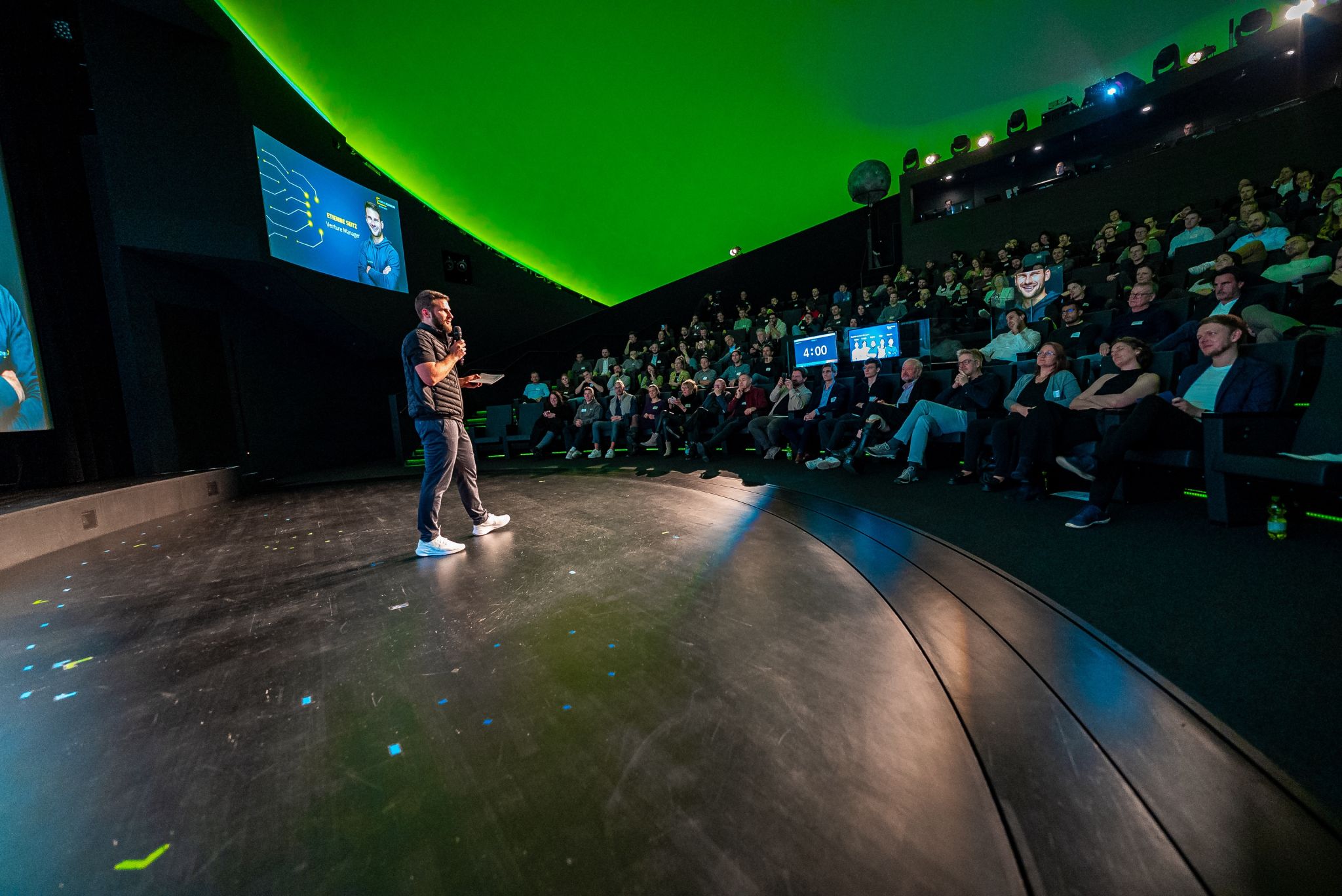
AI Founders Demo Day · Photo: Etienne Seitz
AI Founders Demo Day
During the AI Founders Demo Day — a pitch competition for AI startups — the production team ran Stagetimer on a dedicated monitor in their control booth. With 13 startups pitching back to back, each with tightly timed slots, the operator could advance timers while managing cameras and presentation slides from the same position.
Confidence monitors on stage showed speakers their remaining time, while the control booth kept an eye on the overall schedule.

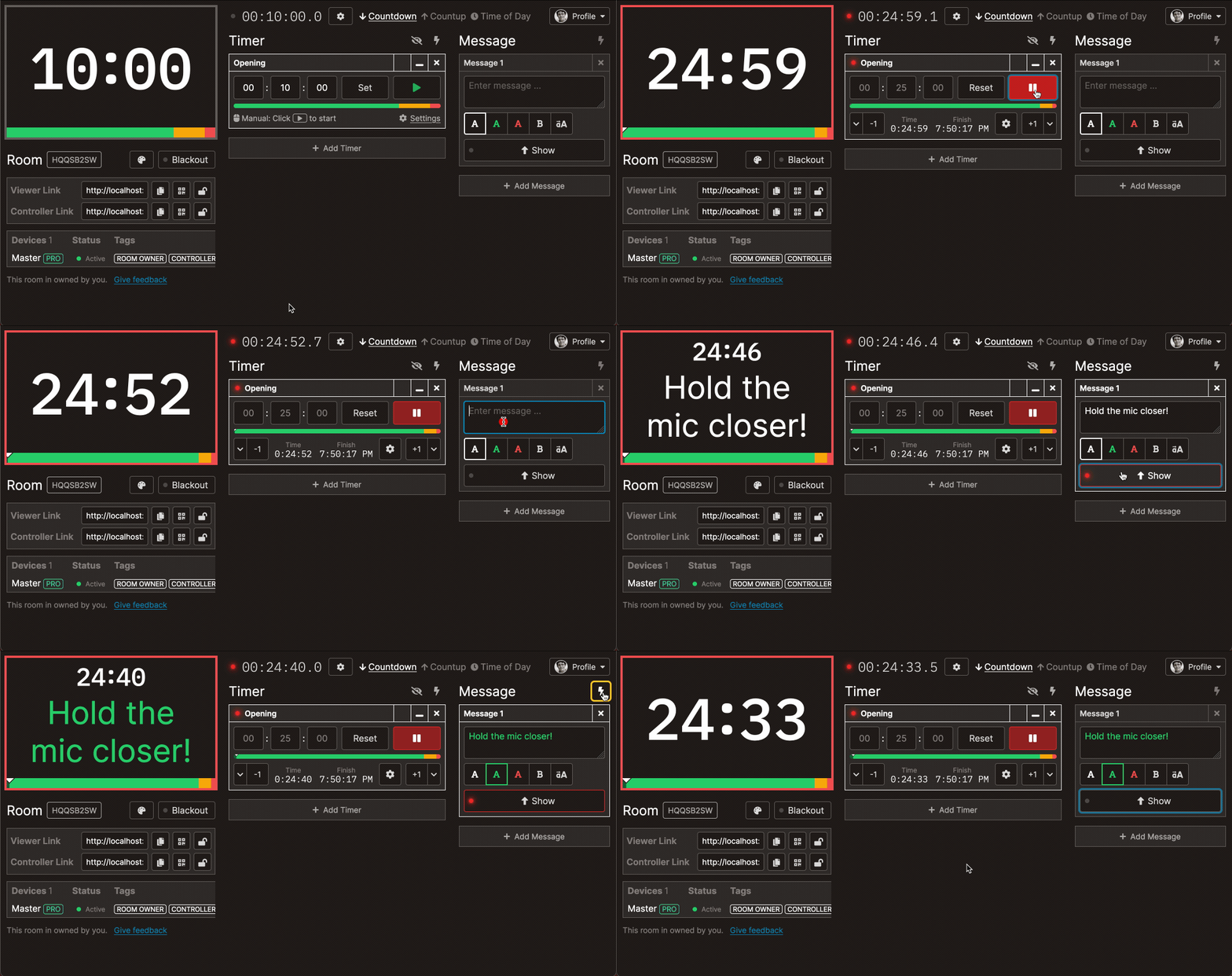
Run the whole conference from your phone
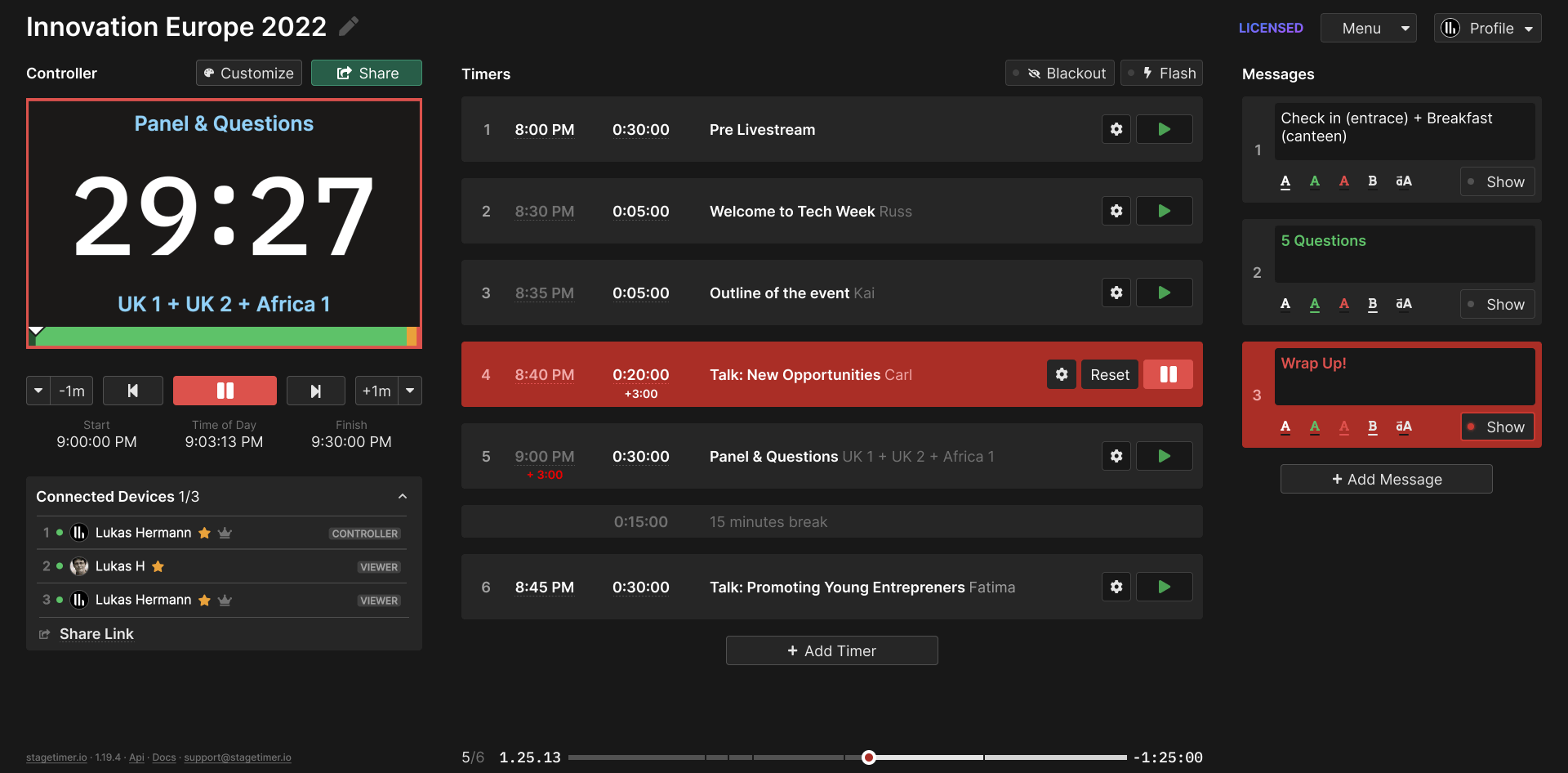
Open the controller in any browser — phone, tablet, laptop. Start and stop timers, skip to the next speaker, adjust time on the fly. Share the controller link with your team so multiple people can manage the schedule.
No apps to install, no hardware to set up. If you have a browser and internet, you have a speaker timer.
- Control from your phone, tablet, or laptop
- No cables, no downloads
- Share control with your team via link
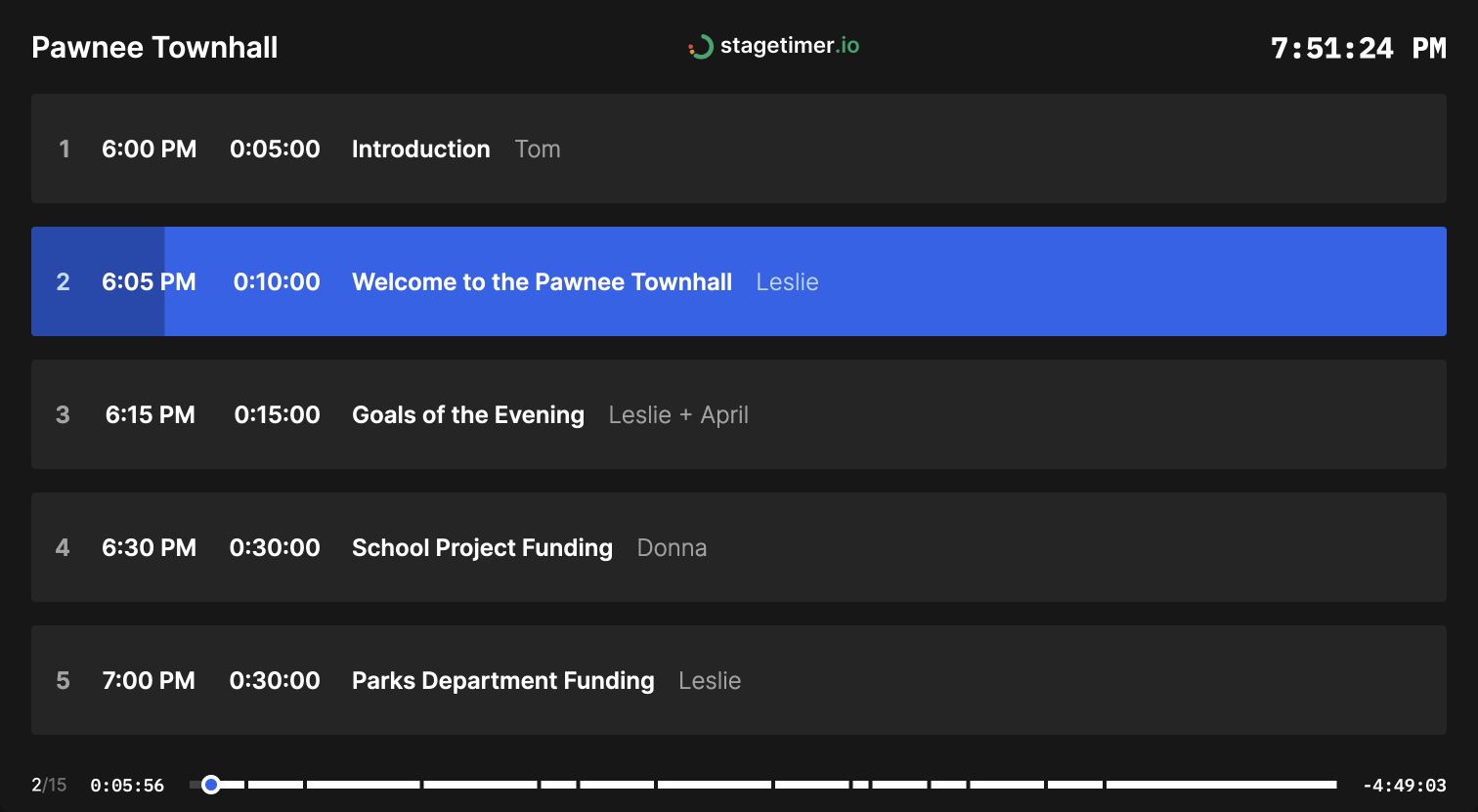
Build your speaker lineup in minutes
Create a timer for each speaker or session. Add names, set durations, link timers to auto-advance through the schedule. Import your rundown from a CSV if you already have it in a spreadsheet.
Share the agenda link with speakers so they can see the full schedule and know when they're up.
- Build your full conference rundown
- Auto-advance between speakers
- Share the agenda with your team
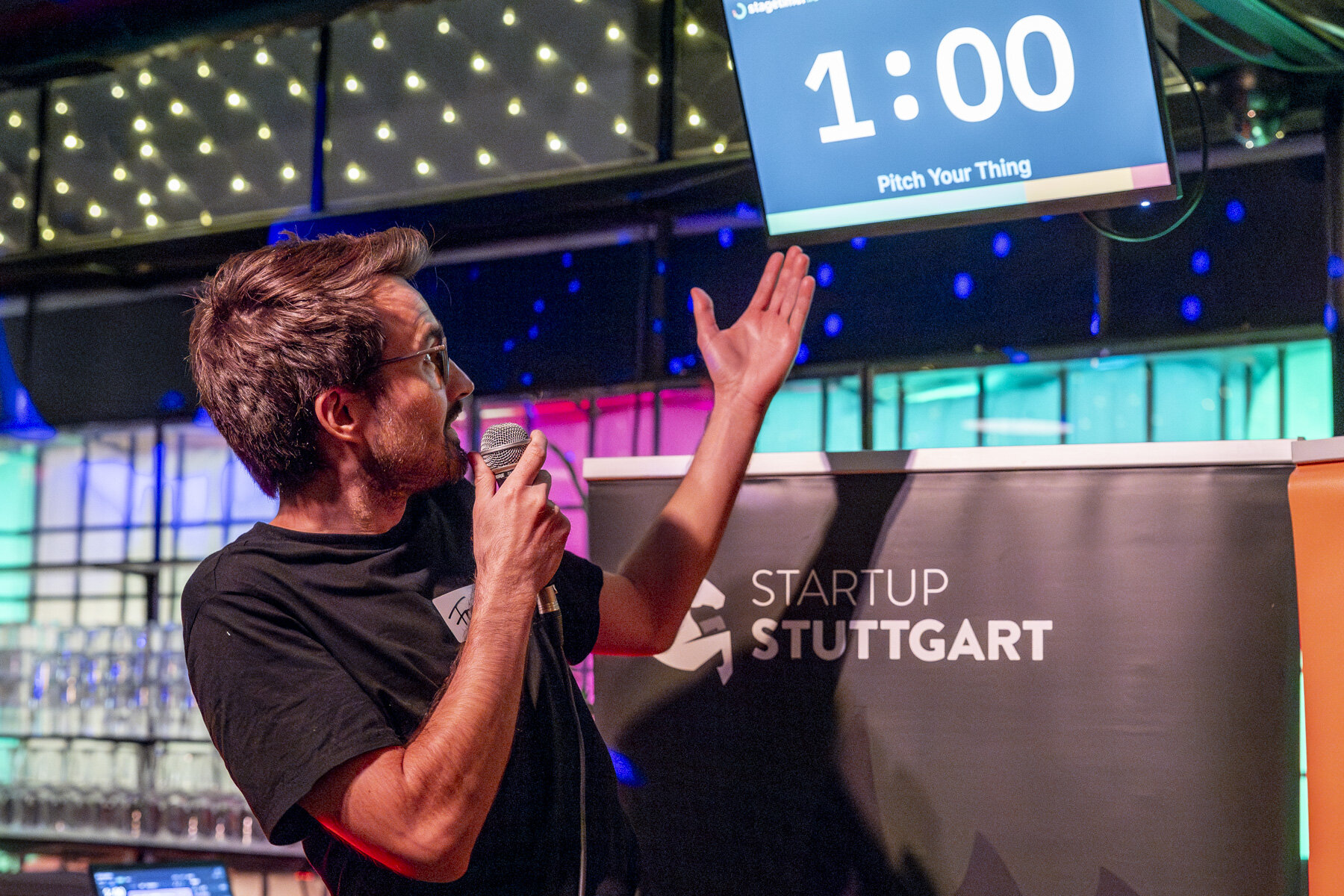
At Stuttgart's Gründergrillen, founders get one-minute slots to pitch their startup. The timer counts down on a screen behind the speaker — and when it hits zero, everyone knows time's up.
Stagetimer's message feature displays the pitch title ("Pitch Your Thing") and speaker name right on the timer screen, doubling as both countdown and title card.
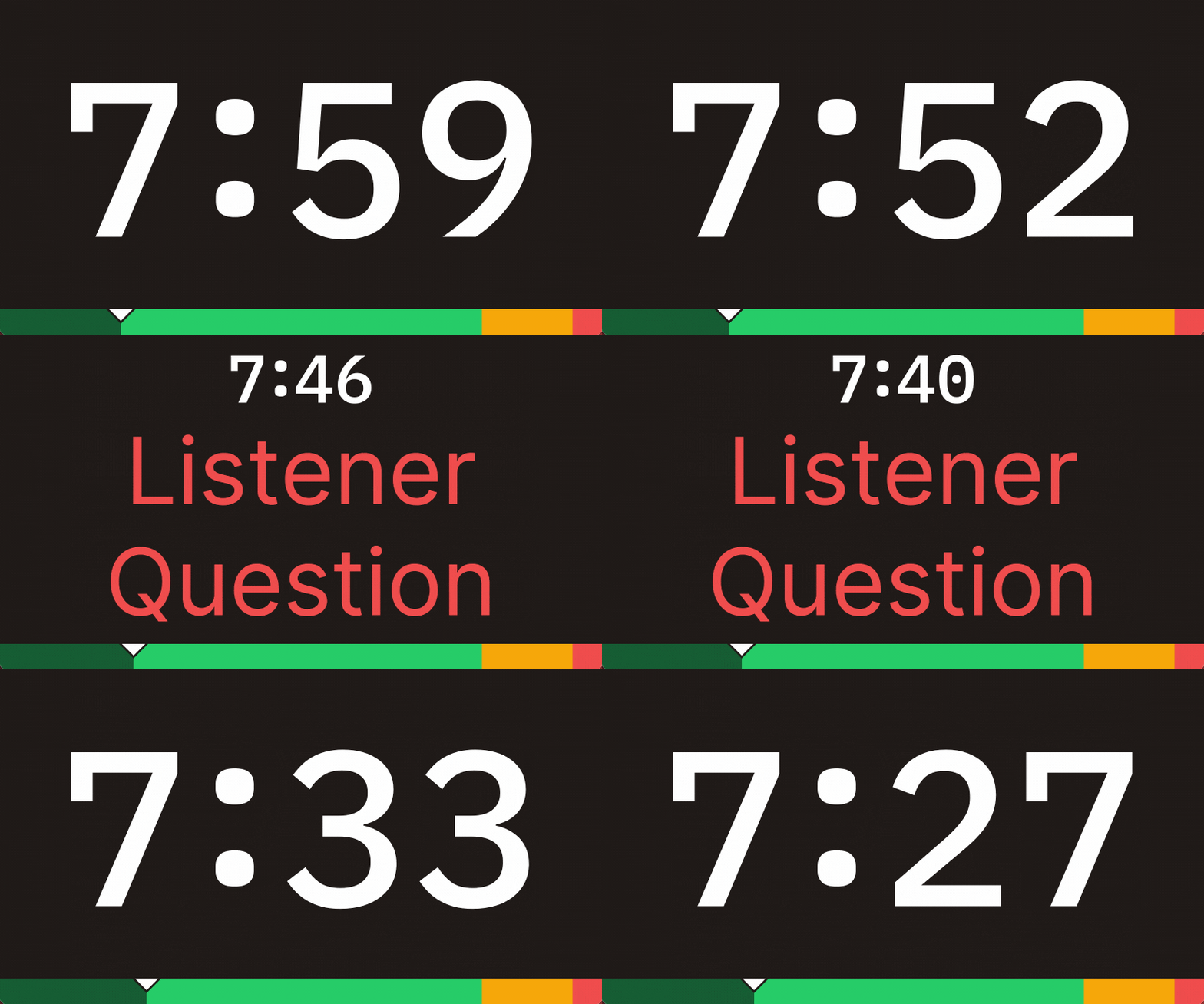
Send live messages to speakers without interrupting
Need to tell a speaker to wrap up? Have a schedule change? Type a message in the controller and it appears on the timer display instantly. Color-code messages for different urgency levels — red for "wrap up now," green for "you're good."
No more awkward hand signals from the side of the stage. The message shows up right where the speaker is already looking.
- Send messages to speakers on the timer screen
- Color-code messages by urgency
- No interrupting the presentation
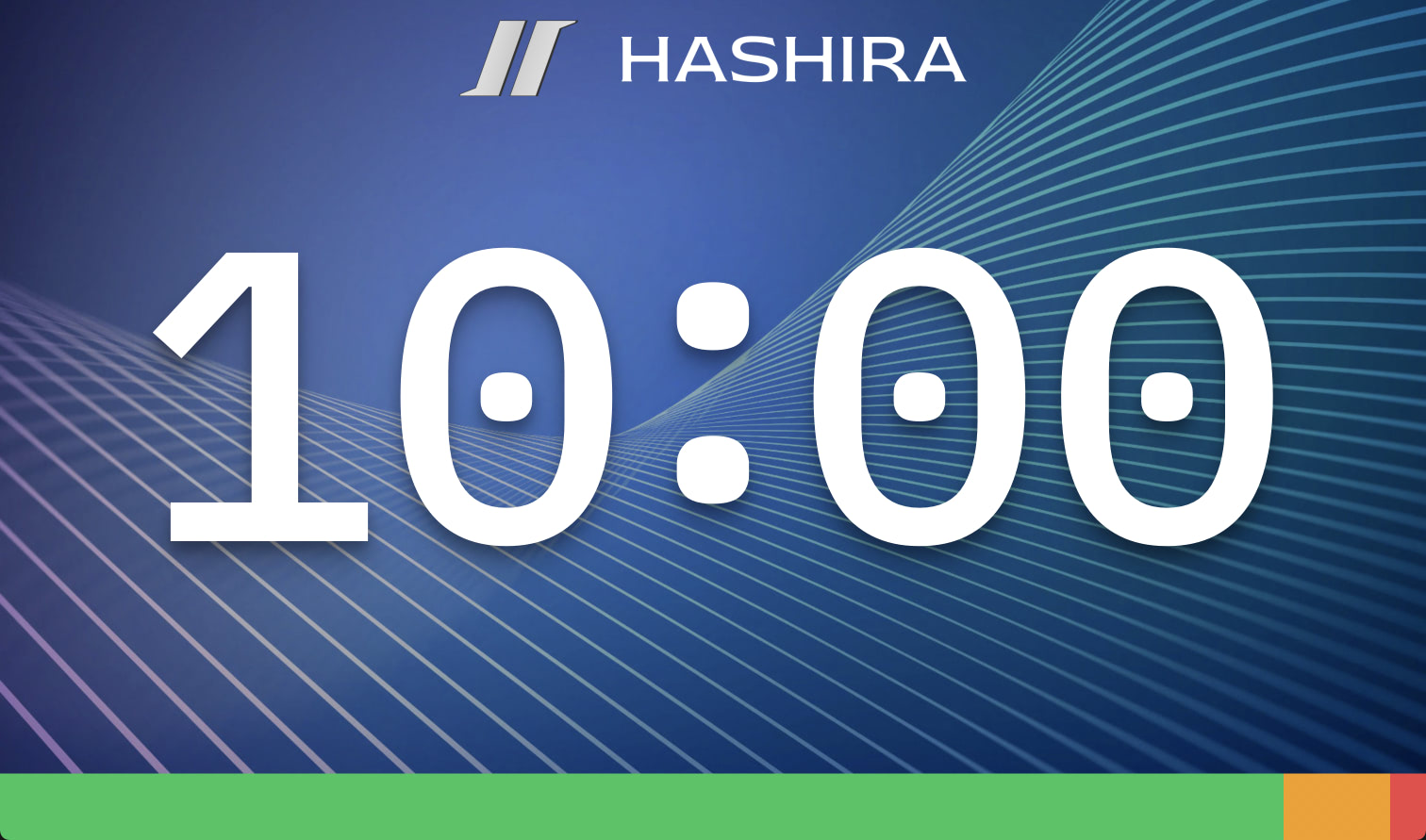
Brand the timer to match your conference
Add your conference logo, set your brand colors, choose a font. The timer display becomes part of your event's visual identity instead of looking like a generic tool.
- Add your conference logo
- Match your brand colors
- Custom fonts and background images
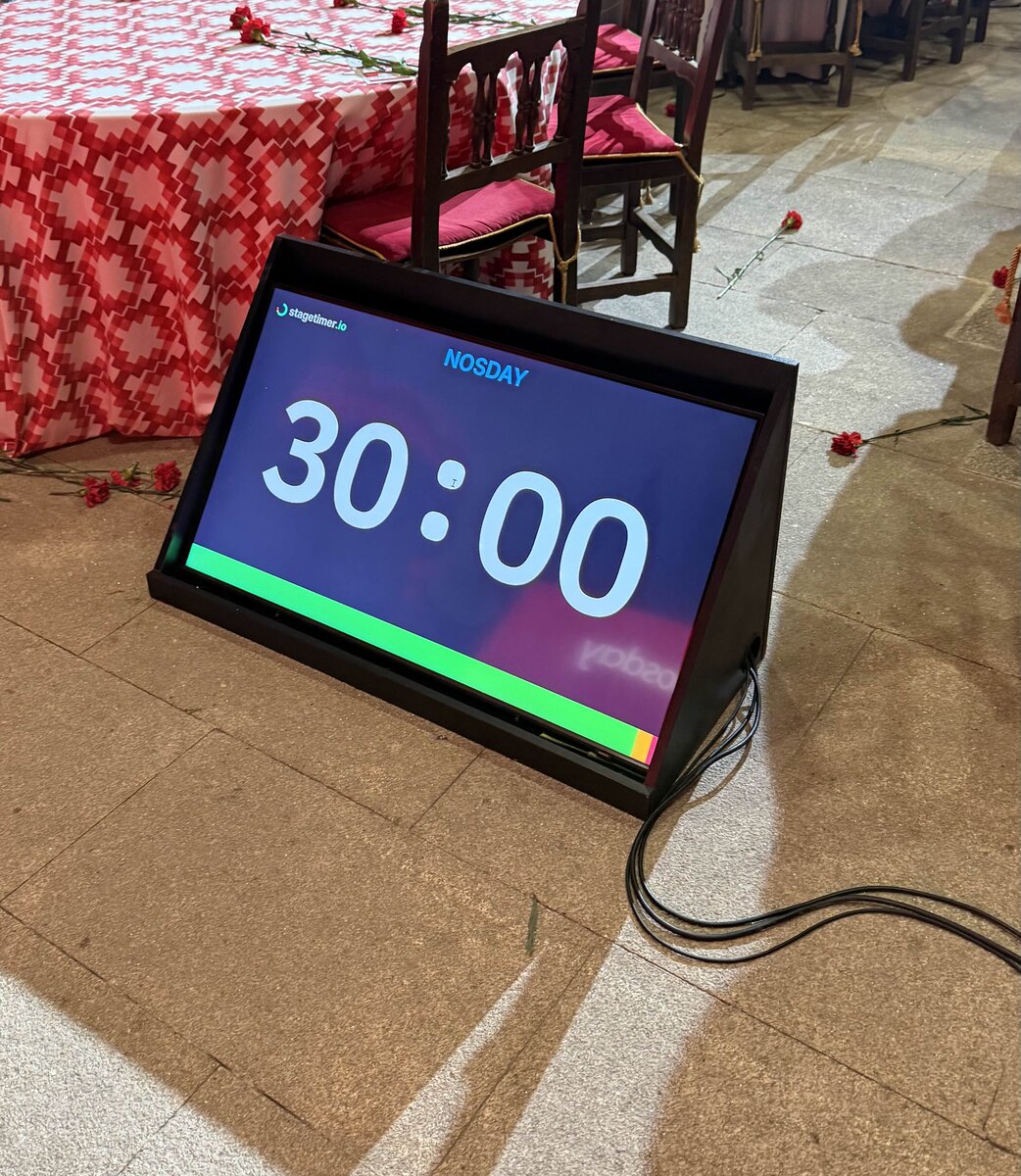
Conference dinner in Galicia, Spain · Photo: Jorge Teixeira Crespo
Put the timer wherever speakers need it
Open the viewer link on any screen — confidence monitor on the stage floor, TV on a tripod, tablet on the podium, or a display mounted to the balcony railing. One timer room, as many screens as you need.
- Stage floor: Confidence monitor facing the speaker
- Podium: Tablet or small screen at the lectern
- Back of room: Large display visible from the stage
- Green room: So the next speaker knows when to get ready
On-site, hybrid, or fully remote
Running a multi-venue conference? Each stage gets its own timer room. Have remote speakers joining via video? They can see the countdown in their browser. Need offline reliability? The desktop app runs without internet once loaded.
Time zones sync automatically — your speaker in Tokyo sees the same countdown as your stage manager in Berlin.
- Works on any internet-connected device
- Syncs across time zones automatically
- Desktop app available for offline use
What conference organizers say

Director of The Audio Visual Guys

Miriam
Communications Manager

Production Director at Vive Event Production

Administrative Assistant at Purdue University
Pricing
Stagetimer's speaker timer has some of the most affordable pricing. Enjoy all the essential timer-management functions for free.
Need our premium countdown timer for a one-time event? Pay a one-time flat fee and get full-time access for 10 days. Or, pay a small monthly subscription (save 20% annually) for ongoing access to our full-suite public speaking timers to create and manage your events and presentations.
Starter
Pro
Premium
Common questions from conference organizers
How do I display the timer for speakers on stage?
Connect any screen — a TV, monitor, tablet, or laptop — and open the viewer link in a browser. Go full-screen and place it where the speaker can see it: on the stage floor as a confidence monitor, on the podium, or at the back of the room.
See our guide on display options for different setups.
How do I keep speakers from going over time?
Set wrap-up colors to change the timer display as time runs low — for example, yellow at 2 minutes remaining, red at 30 seconds. You can also send live messages ("Please wrap up") that appear directly on the timer display.
The speaker sees the countdown and the color change without anyone having to interrupt them.
Can multiple people control the timer?
Yes. Share the controller link with your team — your stage manager, producer, or AV technician can all control timers from their own devices. You can also share view-only links for displays that shouldn't have control access.
See sharing options for details.
Does it work without internet?
The desktop app runs offline once installed. Create your timers, disconnect, and the timer continues to work on your local network. For venues with unreliable WiFi, this is the safest option.
Can I run timers for multiple conference stages at once?
Yes. Create a separate timer room for each stage. Each room has its own controller and viewer links, so your stage managers can work independently. There's no limit to the number of rooms you can run simultaneously.
Can speakers see the timer on their own device?
Yes. Share the viewer link with speakers and they can open it on their phone, tablet, or laptop. This is especially useful for remote speakers joining via video — they see the same countdown as the audience.
Does it work with my existing AV setup?
Stagetimer runs in any browser, so it works with whatever you already have. Route it through your video switcher to confidence monitors, add it as a browser source in OBS or vMix, or control it with physical buttons via Stream Deck + Companion.
How do I import my conference schedule?
You can import timers from a CSV file if you already have your schedule in a spreadsheet. Each row becomes a timer with the speaker name, duration, and start time.
See CSV import for the format.
Stagetimer is used by conference organizers at events ranging from local pitch nights to international summits like Slush, YC Startup School, and the Munich Security Conference. It's a cloud-based speaker timer that runs in any browser — set up countdown displays on stage, control timing from your phone, send messages to speakers, and manage your full conference schedule. Free for smaller events, with paid plans for professional features like custom branding, more connections, and API access.